

Whether you’re sketching ideas during a remote meeting or explaining concepts in a virtual classroom, setting up an account can slow things down and raise privacy concerns. Free online whiteboards that skip the login step let you start immediately, share a link, and collaborate without sharing personal details.
In this guide, you’ll find 10 online whiteboards tested for ease of use, real-time collaboration features, login friction, and utility across common tasks like teaching, brainstorming, and sharing visuals. The goal is to help you pick the right tool for your workflow with clear pros, cons, and practical context.
1. Excalidraw
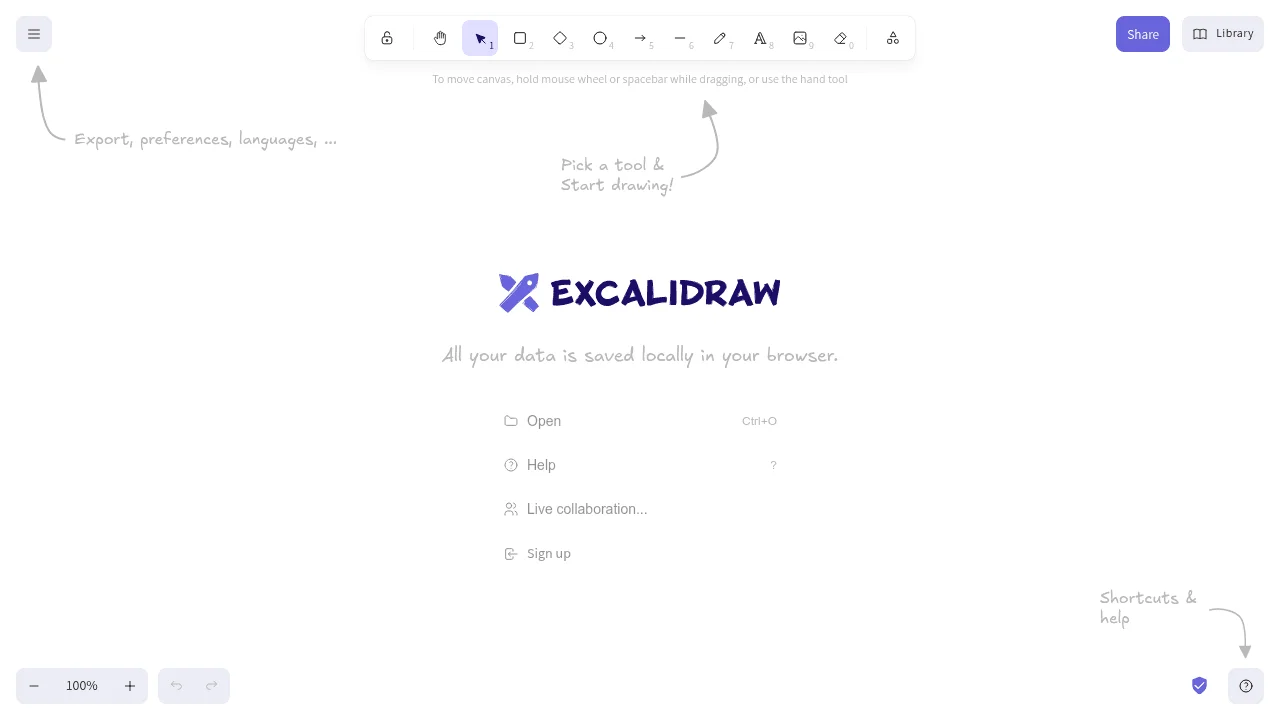
Excalidraw is an open-source online whiteboard designed for clear, intentional diagramming rather than freeform experimentation. Its signature hand-drawn style makes flowcharts, system diagrams, and technical sketches feel approachable without sacrificing clarity. You can start drawing instantly with no account, and boards are stored locally by default, keeping your work private unless you explicitly share it. Collaboration happens through encrypted shareable links, making Excalidraw especially well suited for engineers, product teams, and educators who value simplicity, control, and data ownership over visual polish.
Features
- Infinite canvas with basic drawing tools (shapes, lines, freehand, text).
- Real-time collaborative editing via shareable, encrypted links.
- Intuitive keyboard shortcuts for faster workflow.
- Export boards as PNG, SVG, or clipboard for easy sharing.
Considerations
- Hand-drawn style may be less suited for polished presentations.
- Minimal built-in templates or advanced teaching aids.
- No built-in audio/video chat for collaboration.
- Performance may slow with very large canvases.
2. tldraw
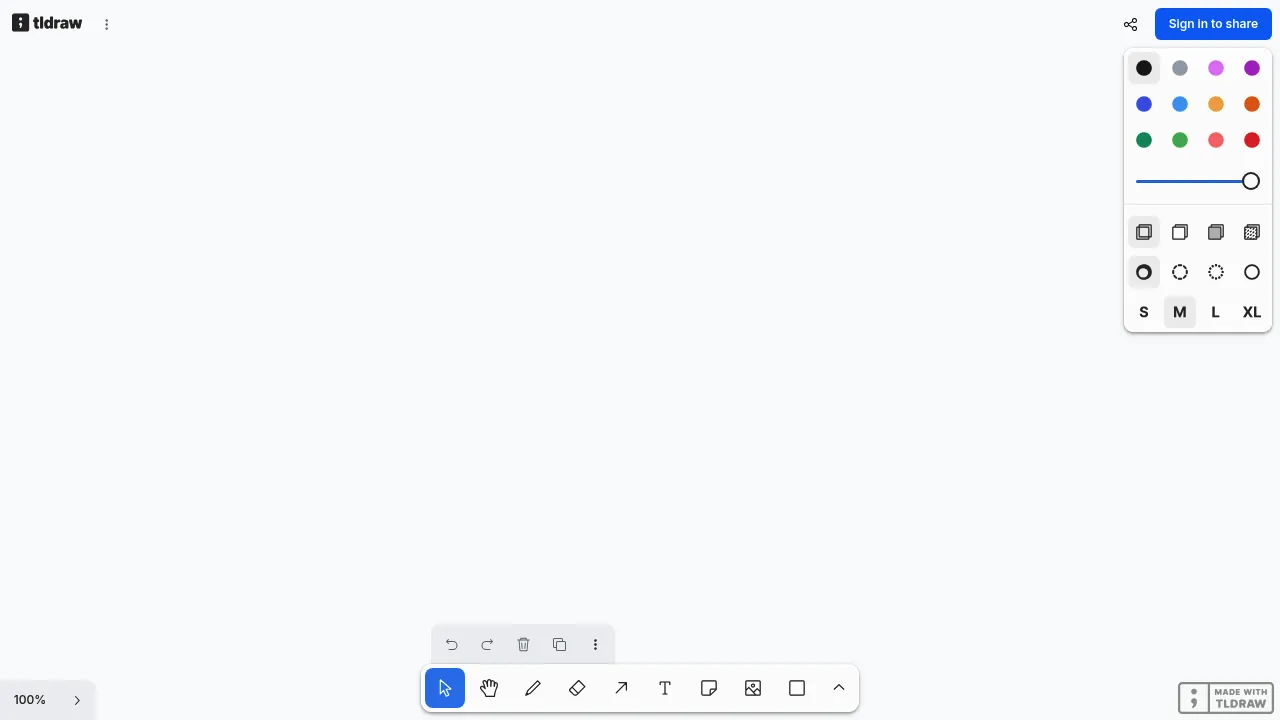
tldraw is a fast, modern whiteboard built for fluid visual thinking and spatial organization. It opens instantly in the browser and encourages exploration with an infinite canvas, frames, and flexible layout tools that make it easy to move ideas around as they evolve. While you can sketch diagrams and annotate concepts, tldraw shines in early-stage planning, creative brainstorming, and collaborative ideation where structure emerges over time. Real-time collaboration is available through shareable links, and the interface feels more like a visual playground than a traditional whiteboard.
Features
- Infinite canvas with frames for organizing ideas and sketches.
- Supports geometric shapes, arrows, and rich text editing.
- Embed external content like images, maps, or code snippets.
- Real-time collaboration via shareable links.
- Export boards as PNG or SVG for easy sharing.
Considerations
- Sharing a board requires a free account signup.
- No built-in voice or video chat.
- Lacks integrated templates or widgets.
3. Draw.Chat
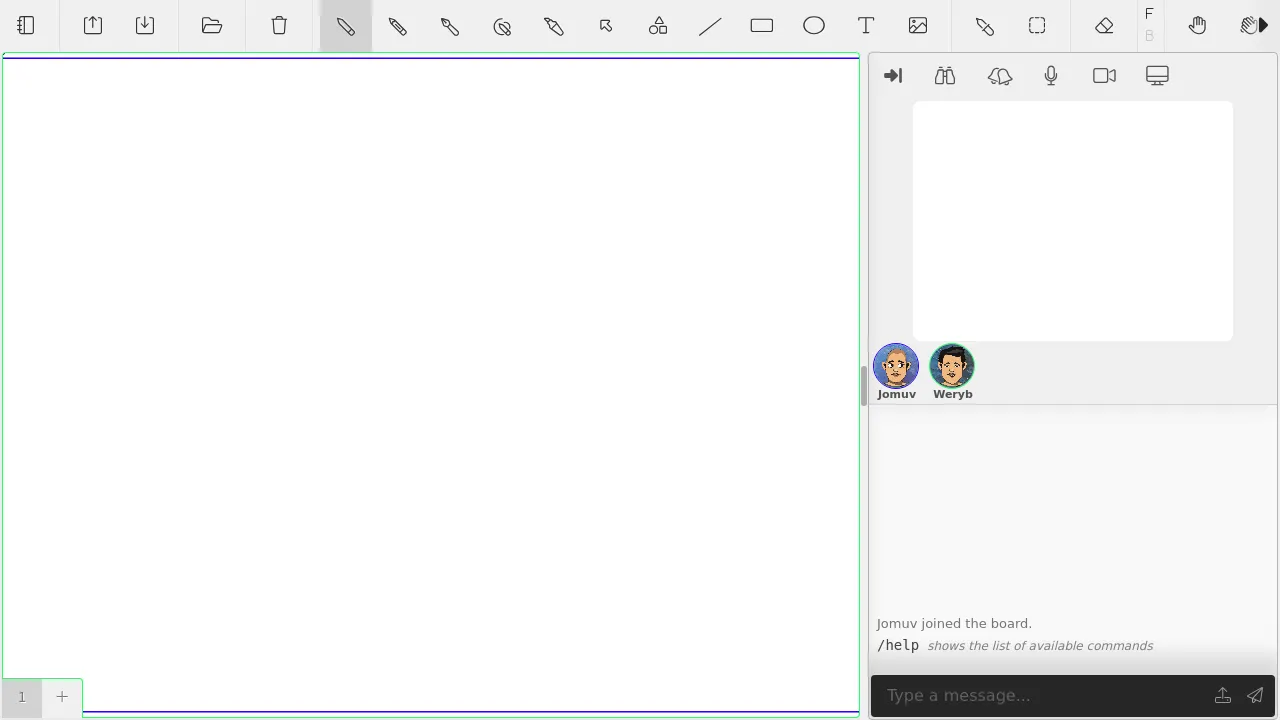
Draw.Chat combines instant, no-account whiteboard access with annotation on PDFs, images, and maps, plus pressure-sensitive stylus support for precise drawing. Built-in voice and video chat, together with text chat, enable seamless real-time discussions without extra tools. Share a link to collaborate instantly; boards remain accessible that way but auto-delete after 31+ days of inactivity, prioritizing privacy and temporary use. It fits well for remote tutoring, quick design reviews, or group brainstorming where you need integrated communication and don’t require permanent storage.
Features
- Draw on blank canvases or import images and PDFs for annotation.
- Real-time collaboration with multiple participants via unique links.
- Built-in chat and video for interactive sessions.
- Export boards as PNG, PDF, JSON, or clipboard for easy sharing.
Considerations
- Boards expire after 31+ days unless exported.
- Limited file uploads (up to 100MB) and temporary storage.
- Basic interface, focused on annotation and simple sketches.
4. WooWhiteboard
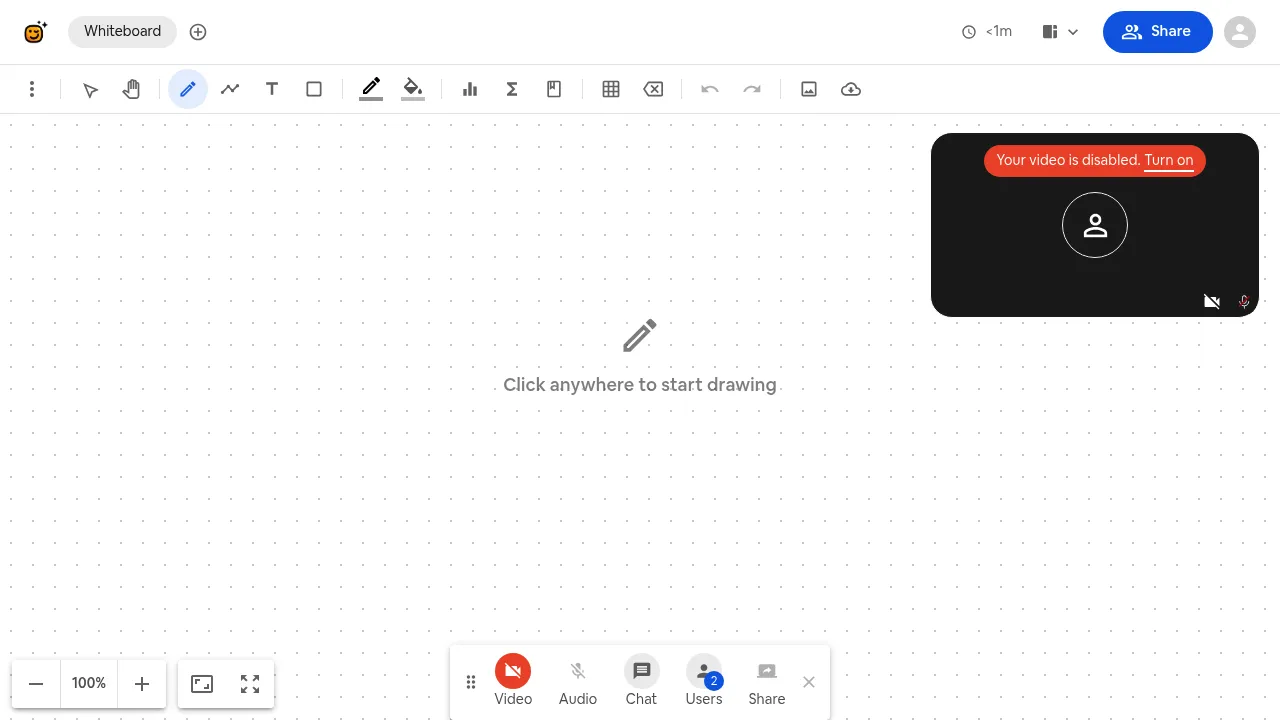
WooWhiteboard is a browser-based collaborative whiteboard built for quick group sessions, tutoring, and shared visual explanations. Users can open or join a board instantly through a room link, avoiding account creation and setup delays. The canvas supports simultaneous interaction from multiple participants, making it suitable for remote discussions or small learning groups where real-time input matters. While the interface offers more structure than a basic sketch pad, it remains focused on live collaboration rather than long-term board management or advanced design workflows.
Features
- Instant, no-signup access via browser with persistent shareable links.
- Built-in video/audio chat, screen sharing, and messaging for integrated collaboration.
- Specialized tools for teaching: equation editor, graphing functions, and code editor.
- Templates for structured work (mind maps, kanban boards, user stories).
- Export finalized work as JPG, PNG, or PDF.
Considerations
- Designed for group sessions; the interface can feel cluttered for simple sketching.
- Supports up to 100 concurrent users in teaching mode.
- No permanent cloud storage-saving requires manual export of the board.
5. Whiteboard.chat
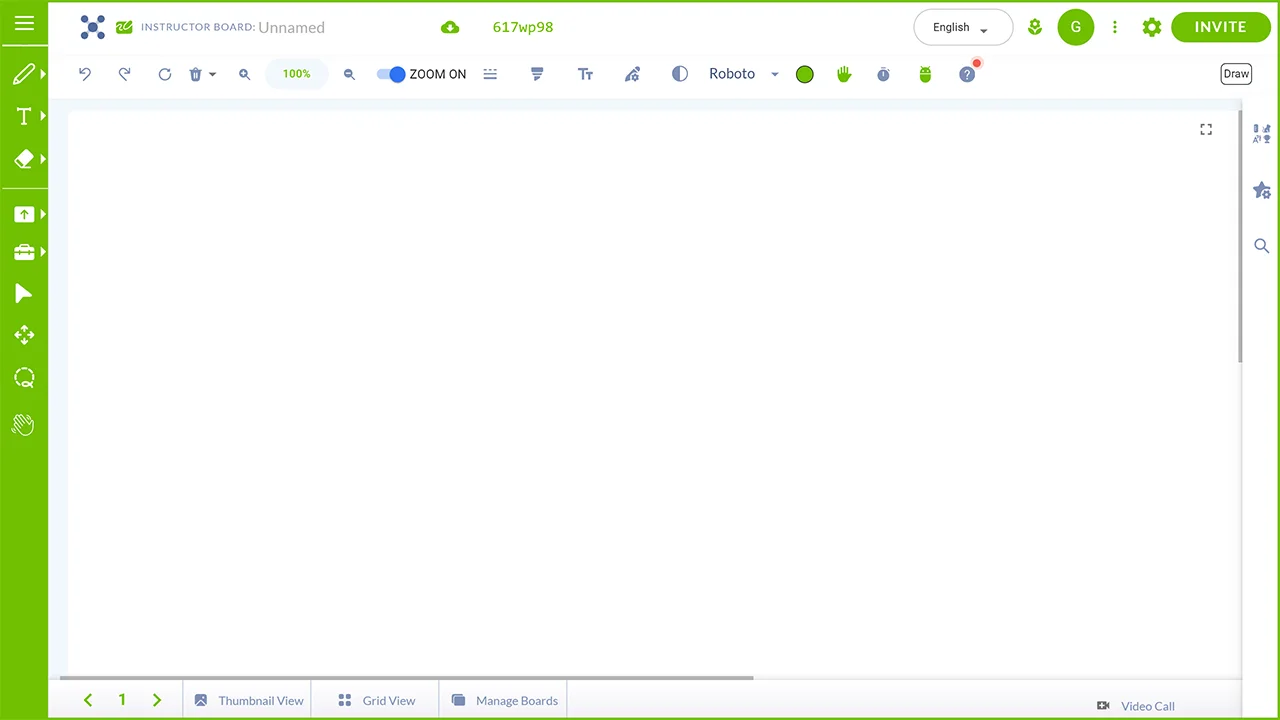
Whiteboard.Chat is an education-focused online whiteboard designed for interactive classrooms and structured group work. You can open the board and explore basic drawing features without signing in, but its core strengths emerge when used in teaching contexts. The platform supports real-time sessions where instructors can distribute individual boards to students, monitor progress live, and provide targeted feedback. Built-in widgets, manipulatives, and accessibility tools are tailored for lesson delivery rather than general brainstorming, which makes it particularly effective for tutoring and classroom management.
Features
- Pre-built templates for math, music, maps, and other subjects.
- Real-time collaboration for class-sized groups (up to 100 users).
- Essential drawing, text, shapes, and basic widgets.
- Teacher moderation tools including breakout groups and monitoring.
Considerations
- Education-focused with limited freeform canvas flexibility.
- Ads visible; potential lag with large groups or older browsers.
6. OnlineBoard
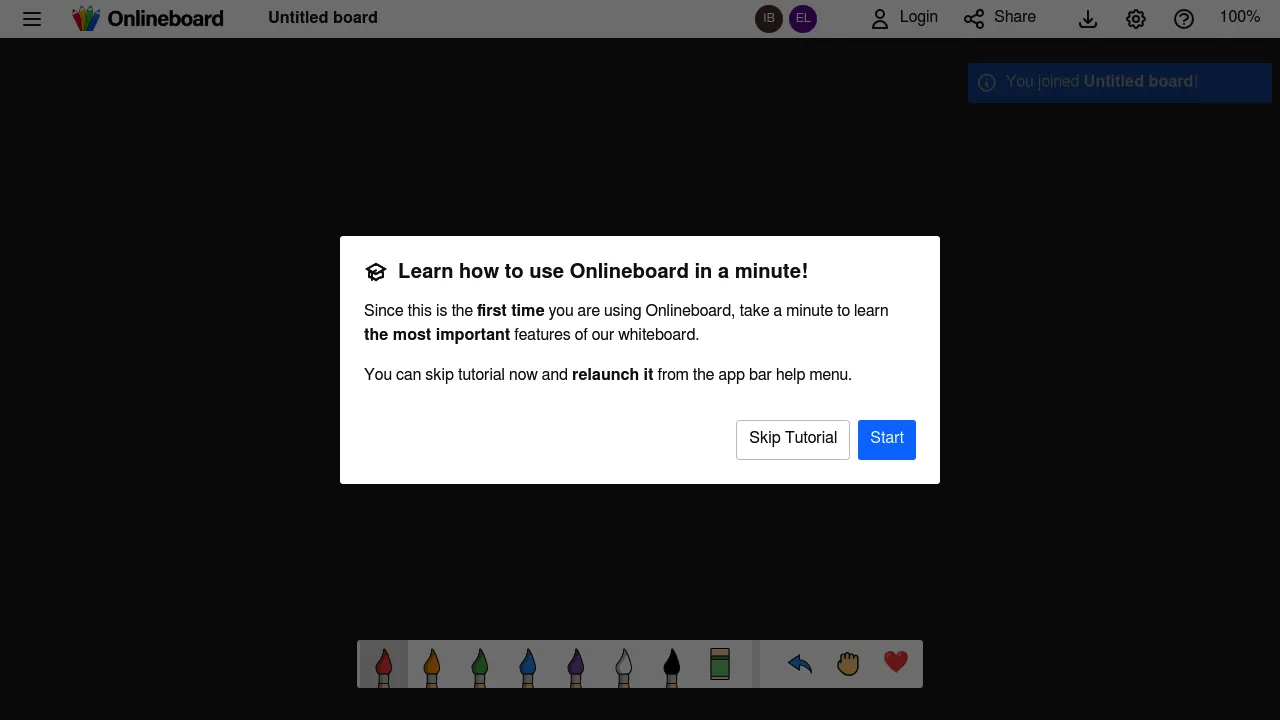
Onlineboard.eu offers a lightweight, browser-based whiteboard that opens instantly without registration. It focuses on real-time collaborative drawing, allowing participants to join via a shared link and see updates as they happen. The canvas supports basic pen tools, color selection, and simple exports for sharing results afterward. Its uncluttered interface favors speed over depth, making it practical for quick brainstorming, informal discussions, or short collaborative sessions where setup time and account friction matter more than advanced features.
Features
- Start drawing instantly with no registration required.
- Real-time collaboration through shareable board links.
- Infinite full-screen canvas with multiple pen colors.
- Export boards as PNG images.
Considerations
- Toolset is intentionally minimal, with no shapes or rich text tools.
- Limited support for structured teaching or document annotation.
- Boards may not persist long-term without manual exporting.
7. Ziteboard
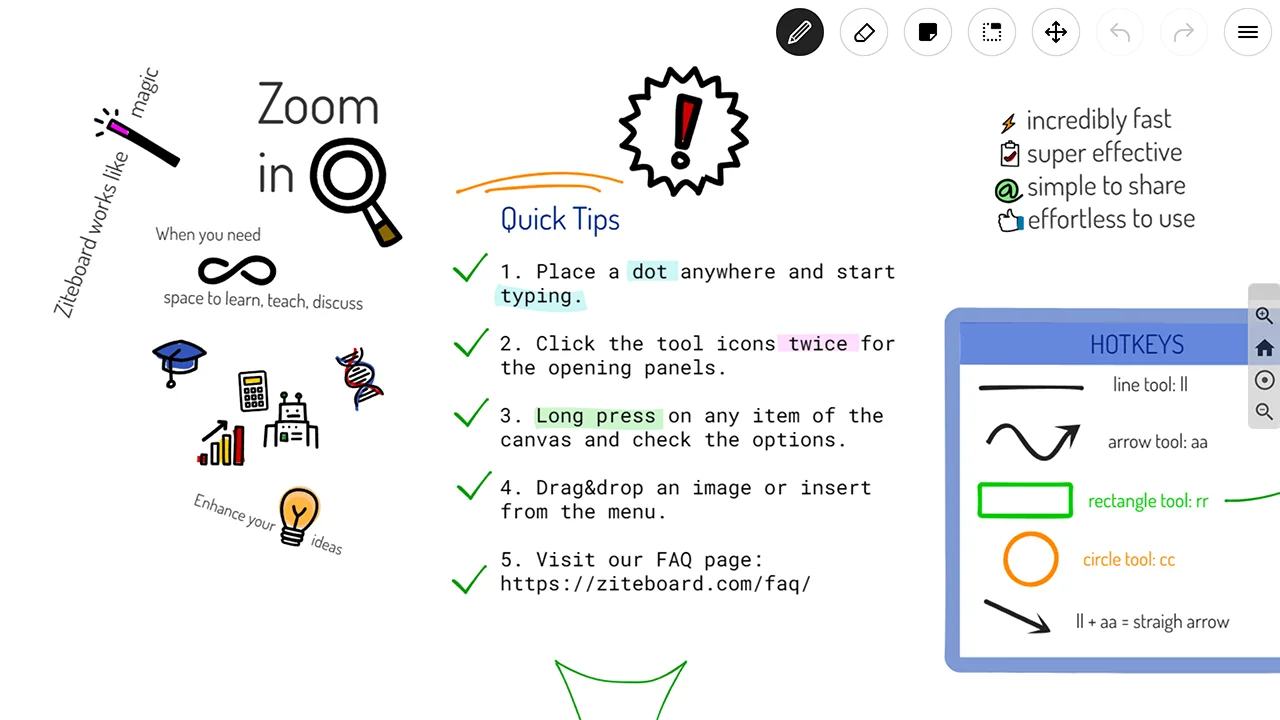
Ziteboard is a free, web-based whiteboard that works seamlessly across desktops, tablets, and mobile devices. Start drawing instantly on its infinite, zoomable canvas – no signup or account is required to begin. It enhances collaboration with built-in audio/video chat and is particularly suited for tutoring or presentations thanks to shape recognition and tools for diagrams and equations. Note that while joining a session is anonymous, creating or saving boards typically requires a free account.
Features
- Infinite zoomable canvas with real-time collaboration.
- Shape recognition, line smoothing, and sticky notes.
- Import images/PDFs for annotation; export as PNG, SVG, or PDF.
- Resizable shapes, layers, and optional grid snapping.
Considerations
- Signup required to create/share boards or access exports/imports.
- Advanced features may prompt signup or Pro subscription.
- Performance may lag on large boards or older devices.
8. Math Whiteboard
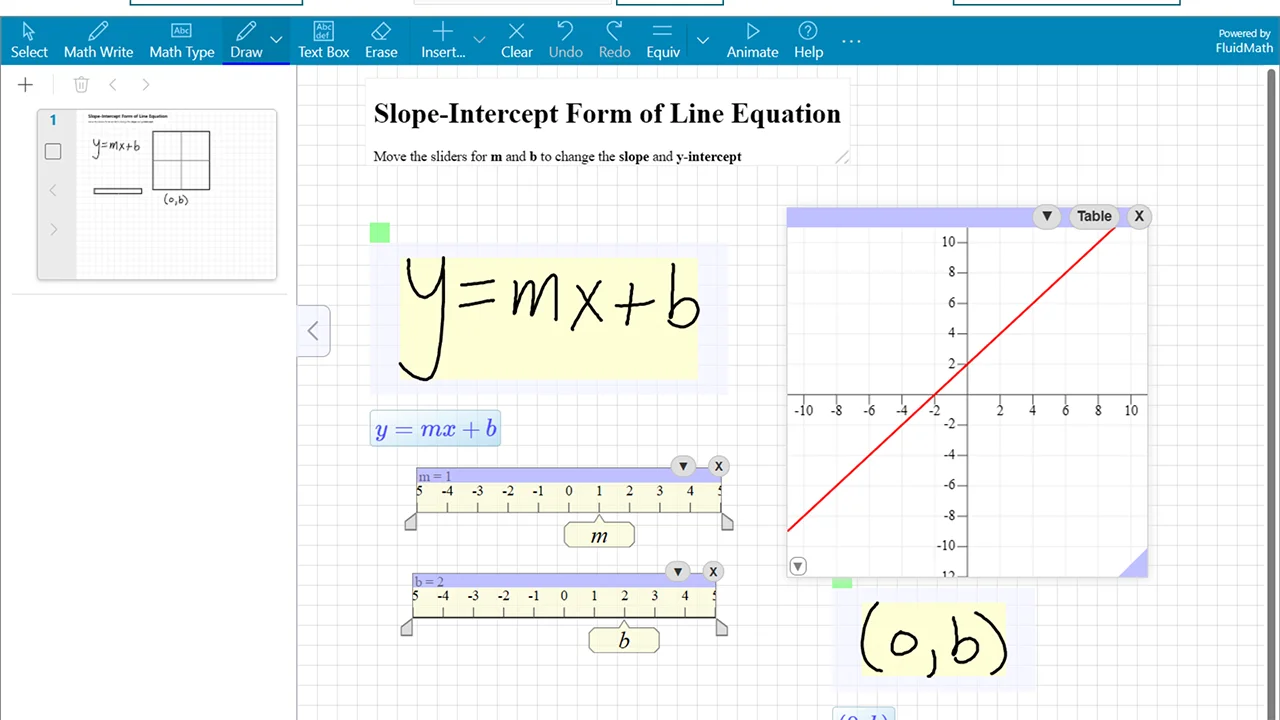
Math Whiteboard is a free, collaborative workspace designed exclusively for mathematics and STEM education. Start or join a shared board instantly – no signup or account is required. It combines a natural handwriting interface with powerful computational tools, converting handwritten notes into editable equations and featuring a full computer algebra system for arithmetic through calculus. Interactive graphing with dynamic sliders and PDF import for annotation makes it ideal for real-time tutoring, classroom instruction, homework help, and technical brainstorming.
Features
- Math-focused whiteboard with handwriting recognition for equations and symbols.
- Built-in graphing, sliders, and function plotting for interactive math exploration.
- Real-time collaboration on shared STEM workspaces via invite links.
- PDF import support for annotating worksheets or problem sets.
- Built-in computer algebra system supporting arithmetic through calculus.
Considerations
- Designed specifically for math and STEM, not general sketching or brainstorming.
- Interface prioritizes equations and graphs over freeform artistic drawing.
- Saving and exporting relies on FluidMath integration rather than native file downloads.
- Limited export flexibility compared to general-purpose whiteboards.
9. Whiteboard-Online
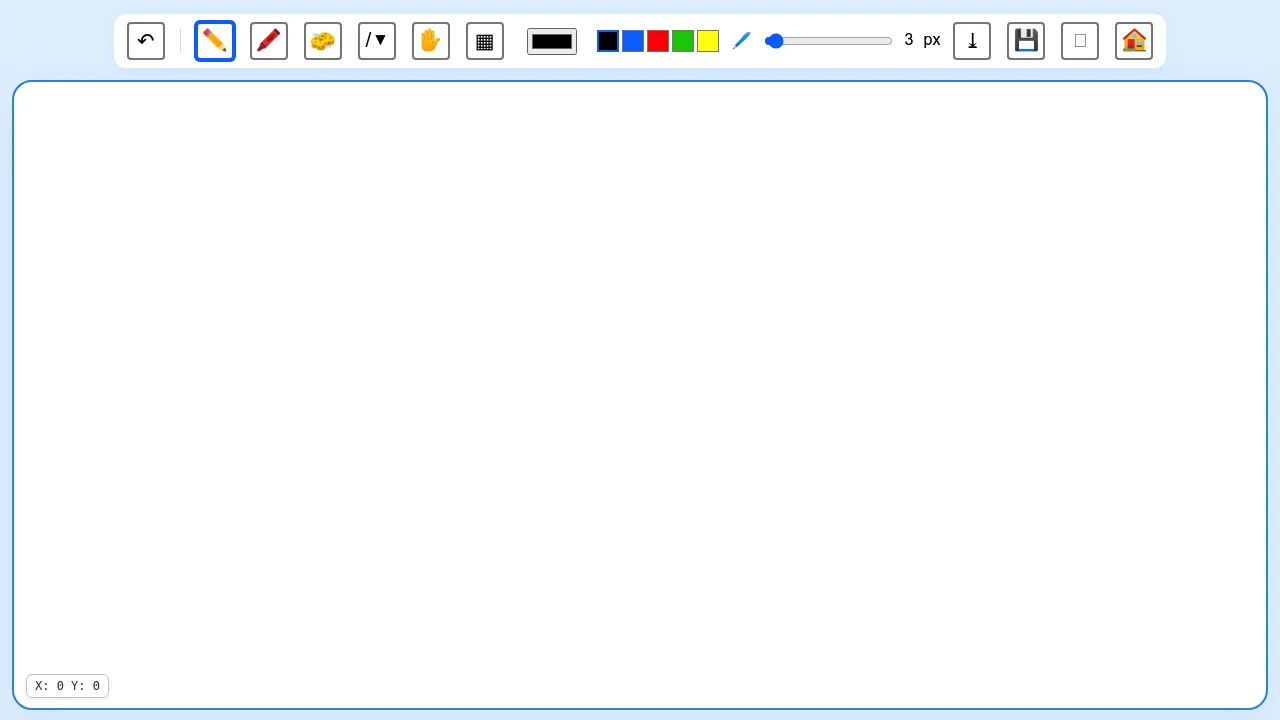
Whiteboard-Online is a free, browser-based collaborative whiteboard that works instantly with no registration or installation required. Users can create boards with a random or custom name and share them via unique links, enabling real-time collaboration across desktops, tablets, and smartphones. Optional password protection adds basic control, while the platform keeps content minimal and focused on core brainstorming, teaching, or quick remote sessions.
Features
- Real-time collaboration on shared boards via links.
- Option to create public, random, or custom-named boards.
- Works across desktop, tablet, and smartphone browsers.
- Export boards to PNG or SVG for easy saving or sharing.
Considerations
- Very minimal interface with limited tools and no advanced features.
- No password protection or granular access controls.
- Boards may not persist long-term without manual saving.
10. Web Whiteboard
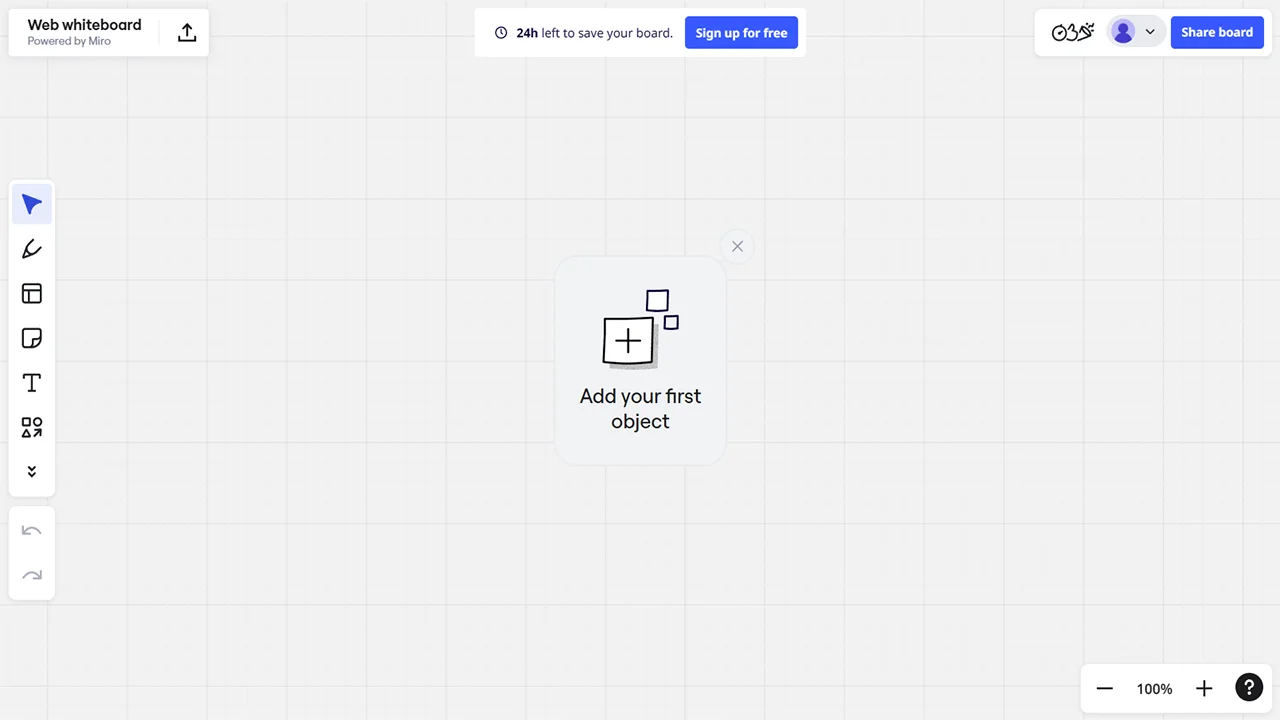
Web Whiteboard is a free, browser-based whiteboard that launches instantly with no signup required. It offers sticky notes, shapes, freehand drawing, and connections for organizing ideas on a shared canvas that multiple users can edit in real time. Boards auto-expire after 24 hours unless exported, promoting temporary sessions, while file uploads allow for enhanced presentations. This setup makes it well suited for quick workshops, collaborative brainstorming, or classroom activities that require immediate interaction and rapid idea capture.
Features
- Real-time collaboration via unique shareable links.
- Sticky notes, shapes, and text for brainstorming and ideation.
- Built-in templates (e.g., flowchart, business model canvas, retrospective).
- Export board as image or PDF directly from the interface.
Considerations
- Boards expire after 24 hours unless exported or saved.
- Advanced templates and Miro integrations require account sign-up.
- Limited advanced collaboration or export options.
- Performance may slow with very large groups or complex boards.
How to Choose the Right No-Signup Online Whiteboard
Every workflow has slightly different needs – whether you want minimalist sketching, real-time teaching, or collaborative brainstorming.
| Criterion | Why It Matters | Recommended Tools |
|---|---|---|
| Collaboration | Multiple users editing in real time | Excalidraw, Draw.Chat, WooWhiteboard |
| Teaching Features | Tools tailored for math or education | Whiteboard.chat, Math Whiteboard |
| Lightweight & Minimal | Simple sketching with no distractions | tldraw, OnlineBoard, Whiteboard-Online |
| Export Options | Save work as PNG, SVG, or PDF | Excalidraw, WooWhiteboard, Draw.Chat |
| Longevity of Boards | Boards not deleted too quickly | Draw.Chat, OnlineBoard, Ziteboard |
These online whiteboards make it simple to collaborate without compromising on speed or data security, ideal for one-off sessions where convenience trumps complexity. For more options like this, check out NoSignupTools.com. Explore more no-signup tools in our Tools Directory.