

Mind mapping is one of the fastest ways to organize ideas, but many online tools slow the process down with mandatory accounts, onboarding screens, or data collection before you can even start thinking. For users who value speed and privacy, that friction often defeats the purpose.
The tools below were curated and evaluated against a simple standard: immediate access, no signup required, and practical usability. Each option works directly in the browser and focuses on helping you think clearly without creating an account or handing over personal information.
1. Simple MindMap
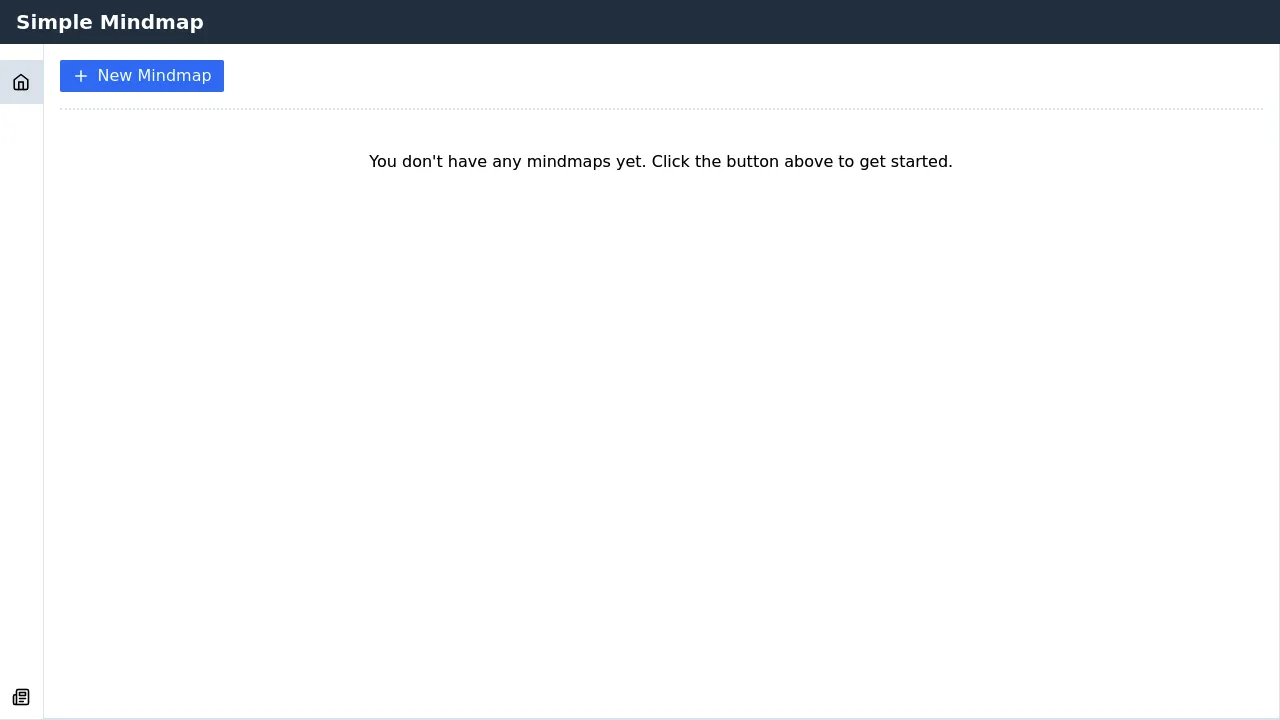
Simple MindMap emphasizes clarity over features, offering a minimal interface designed to keep attention on ideas rather than controls. Nodes can be added, rearranged, and structured quickly, making it suitable for outlining essays, planning concepts, or organizing thoughts during short sessions. Because it runs entirely without signup or cloud storage, it works well for private or disposable maps where persistence and advanced formatting are not required.
Features
- Minimal interface with virtually no learning curve.
- Drag-and-drop organization for quick restructuring.
- Fully usable without login or personal data submission.
Considerations
- Limited to basic mind-mapping structures and visuals.
- Best suited for small to medium-sized maps.
2. SakuraMind
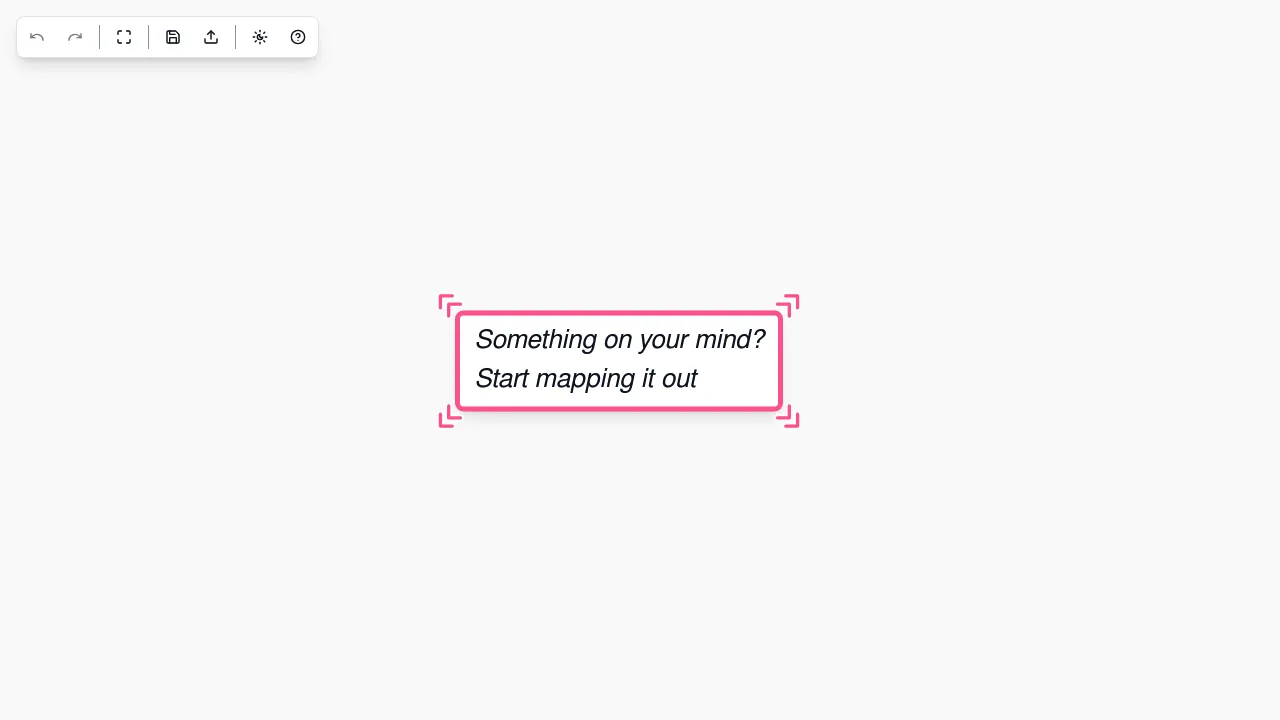
SakuraMind is a lightweight mind mapping tool built for speed and simplicity rather than visual depth. It enables quick creation of hierarchical maps directly in the browser, making it practical for structured thinking and note outlining. The tool operates entirely without user accounts, prioritizing immediacy and privacy, but its intentionally minimal interface and limited customization reduce its suitability for complex or presentation-oriented maps.
Features
- Fast-loading editor suitable for low-distraction work.
- Clear hierarchical node structure.
- Insert and resize images.
Considerations
- Very limited visual styling beyond basic text formatting.
- No cloud saving – files must be manually saved/loaded.
- Only exports to JSON files.
3. Mind Map Wizard
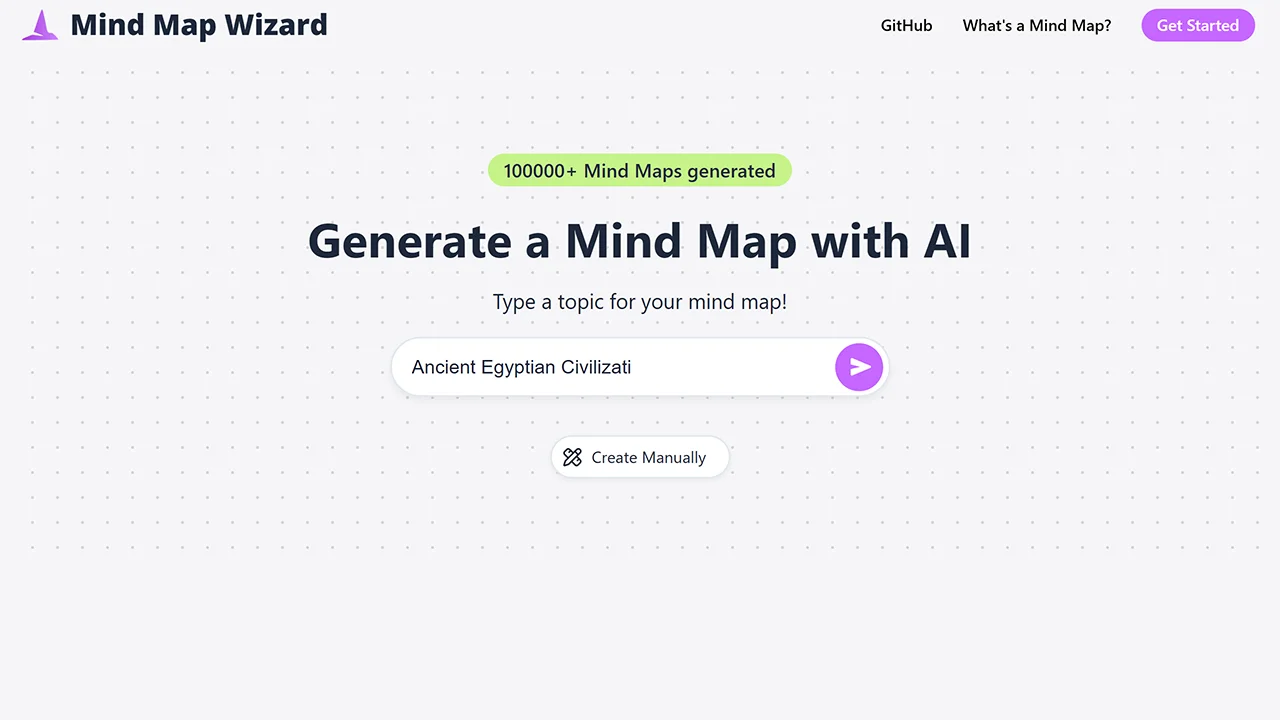
Mind Map Wizard provides a more structured approach to mind mapping by automatically arranging ideas into organized layouts as they are added. This makes it well suited for planning tasks, study notes, and structured breakdowns where hierarchy is important. The tool can be used without signup, which is convenient for short-term or private work, though its guided layout system leaves less room for free-form or experimental mapping styles.
Features
- AI-powered generation from topics, URLs, pasted text, or uploaded PDFs.
- Export maps as PDF, JPG, or SVG images or ass markdown.
- Automatic layout generation for structured maps.
- Clear visual hierarchy that scales with complexity.
Considerations
- Free tier limited to 3 free AI mind maps.
- Exports are watermarked in free use.
- Less flexible for free-form brainstorming.
4. MindMup
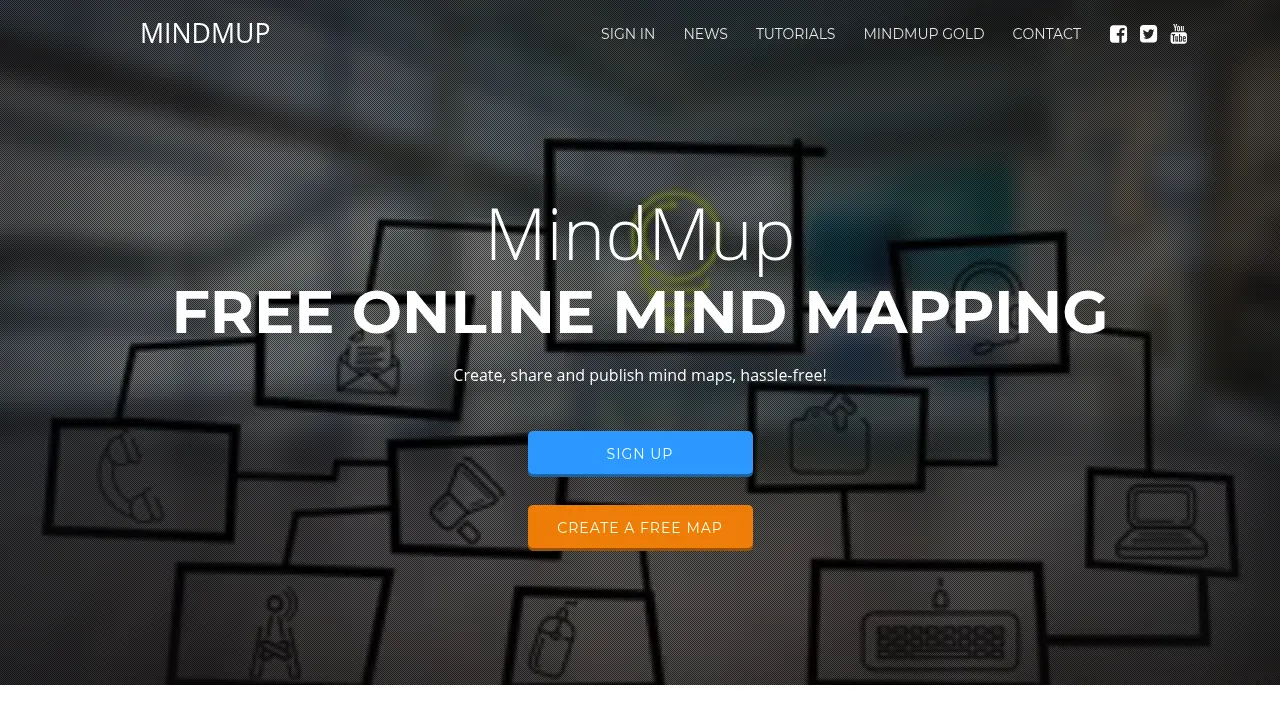
MindMup is a well-established mind mapping tool that offers a balance between structure and flexibility. The core editor is accessible without signup, allowing users to create organized maps quickly using keyboard shortcuts and clear hierarchies. While it supports more advanced workflows through paid integrations, basic usage remains practical for planning and studying, though the interface may feel heavier compared to more minimal tools.
Features
- Structured node management with fast keyboard shortcuts.
- Attach notes, images, icons, and files to individual nodes.
- Export maps to PDF, PowerPoint, SVG, PNG, JPG, and other formats.
- Core editor available instantly without signup.
Considerations
- Free maps are limited to 100 KB and stored for up to six months.
- Interface can feel dense for simple use cases.
- Advanced features are tied to paid plans.
5. Bubbl.us
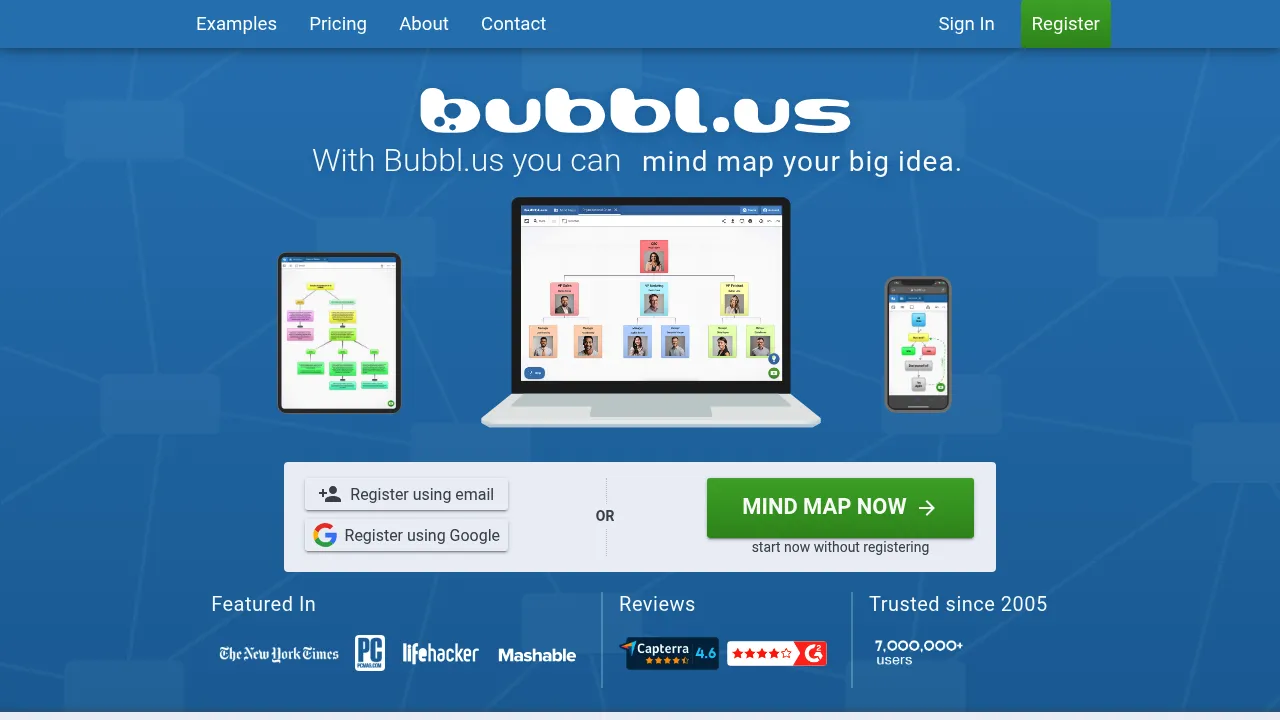
Bubbl.us focuses on visual brainstorming through color-coded bubbles, making it effective for exploring relationships between ideas at a glance. Basic maps can be created without immediate signup, which works well for quick ideation sessions. However, free usage is limited, and saving multiple maps or accessing full features typically requires an account, reducing its suitability for longer-term or more detailed projects.
Features
- Color-coded bubbles for visual grouping of ideas.
- Templates and AI-assisted idea generation.
- Accessible without signup for basic exploration.
Considerations
- Free version limits you to a small number of maps.
- Visual style may not suit all use cases.
6. MindMapFlow
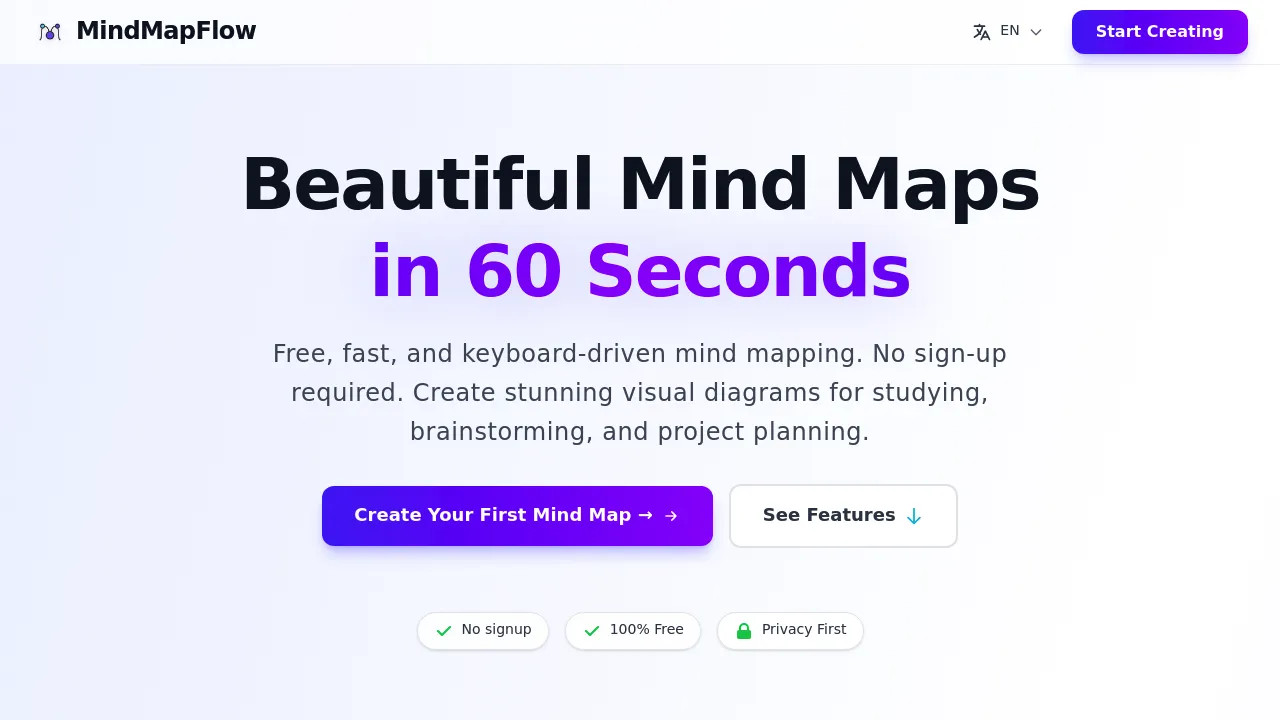
MindMapFlow delivers a streamlined mind mapping experience focused on speed, clarity, and frictionless use. The tool opens directly to a blank canvas, allowing users to capture ideas, expand branches, and reorganize thoughts with minimal interface overhead. It works especially well for brainstorming, outlining, and early ideation where momentum matters. Since no signup is required, users can work privately and discard or export maps without storing data or creating an account.
Features
- Responsive canvas optimized for quick node creation and editing.
- Keyboard shortcuts that support fast, uninterrupted idea flow.
- Multiple export options (PNG, SVG, PDF, JSON).
Considerations
- Visual styling options are intentionally limited.
- Occasional stability issues may occur on some browsers.
How to Choose the Right No-Signup Mind Mapping Tool
Not all mind mapping tools serve the same purpose. Choosing the right one depends on how you think, what you’re mapping, and how much structure you need.
| Criterion | Why It Matters | Recommended Tools |
|---|---|---|
| Speed & simplicity | Reduces friction when capturing ideas quickly | Simple MindMap, SakuraMind |
| Structured layouts | Useful for planning and studying | Mind Map Wizard, MindMup |
| Visual richness | elps with brainstorming and presentations | Bubbl.us, MindMup |
| Privacy & security | Avoids data storage and tracking | SakuraMind, Simple MindMap |
Final Thoughts
No-signup mind mapping tools remove friction at the exact moment ideas need momentum. They’re ideal for users who value privacy, speed, and the freedom to think visually without accounts, onboarding, or data storage concerns. NoSignupTools curates tools that follow this philosophy across categories – if you’re looking for more practical tools that work instantly, explore the full no-signup tools directory.