

Generating a QR code should be simple, fast, and private. Yet many online tools now place basic functionality behind account walls, email verification, or hidden limitations that slow down what should be a one-minute task.
The tools below were curated and evaluated with a strict focus on instant access, no forced signup, and reliable output. Each QR code generator listed here works directly in the browser and respects the need for frictionless use, whether for personal sharing, print materials, or quick experiments.
1. QRCode Monkey
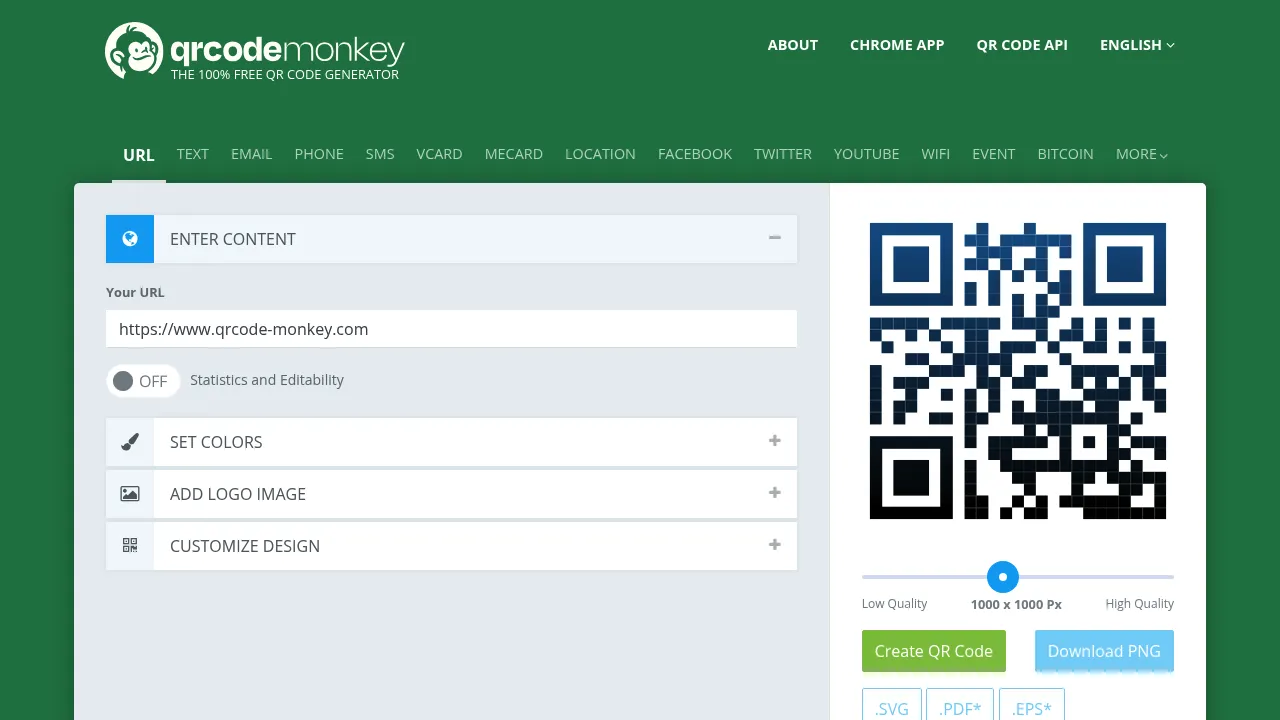
QRCode Monkey is one of the more feature-rich tools on this list, offering extensive customization options while still allowing free use without mandatory signup. It is well suited for users who want visually customized QR codes for marketing or print while retaining the option to work anonymously.
Features
- Extensive customization: colors, gradients, shapes, eye elements, and logo integration.
- Supports 20+ data types including URLs, vCards, Wi-Fi, social media, Bitcoin, and events.
- Multiple export formats: PNG, SVG, PDF, EPS.
- Static QR codes never expire and have unlimited scans.
Considerations
- Can feel slightly overwhelming for quick, simple QR tasks.
2. QRStuff
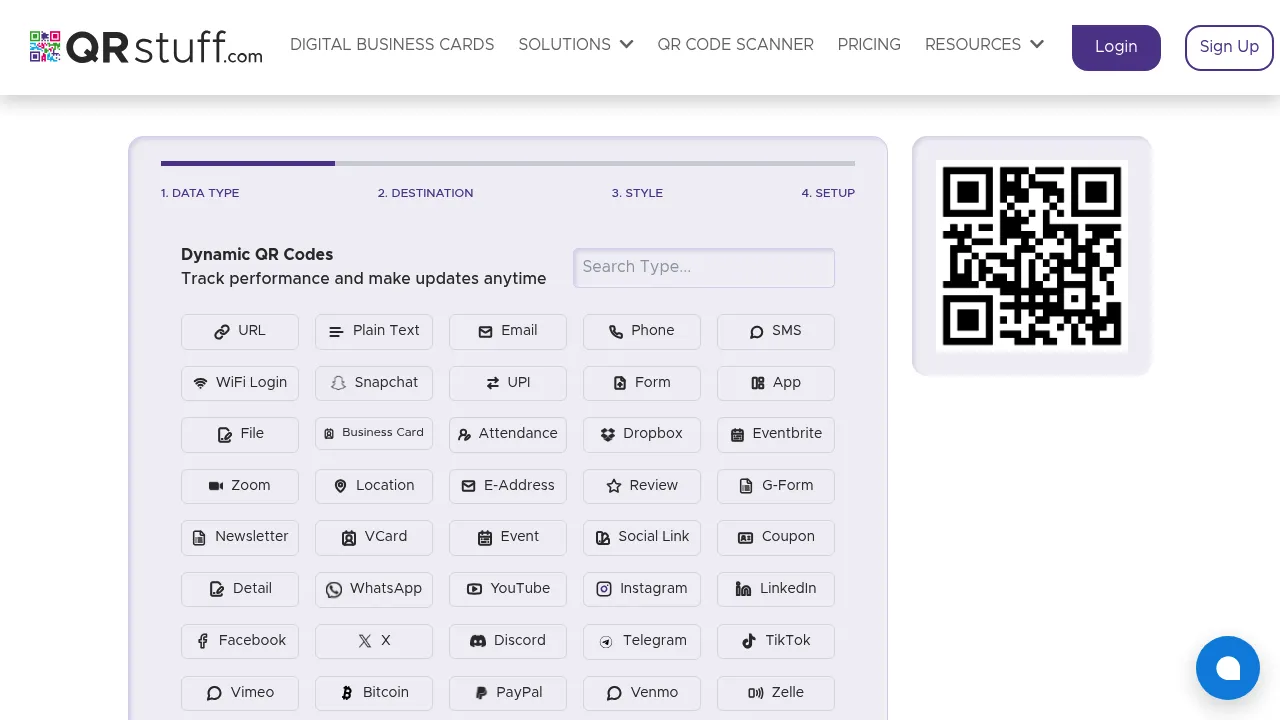
QRStuff provides a straightforward generator with broad data type support and clean, ad-free output. It emphasizes simplicity while offering enough options for most everyday and business uses. Static QR codes work indefinitely without any account. The tool suits users who need quick generation of specialized codes like payment links or social profiles.
Features
- 20+ data types, including URL, vCard, Wi-Fi, email, SMS, PayPal, and event details.
- Options for color changes, logos, frames, and error correction levels.
- Permanent static QR codes with no signup or expiration.
- High-resolution PNG, SVG, and PDF exports.
Considerations
- Dynamic/editable QR codes require a subscription and have scan limits on free tier.
- Interface prioritizes functionality over artistic design.
3. QR Planet
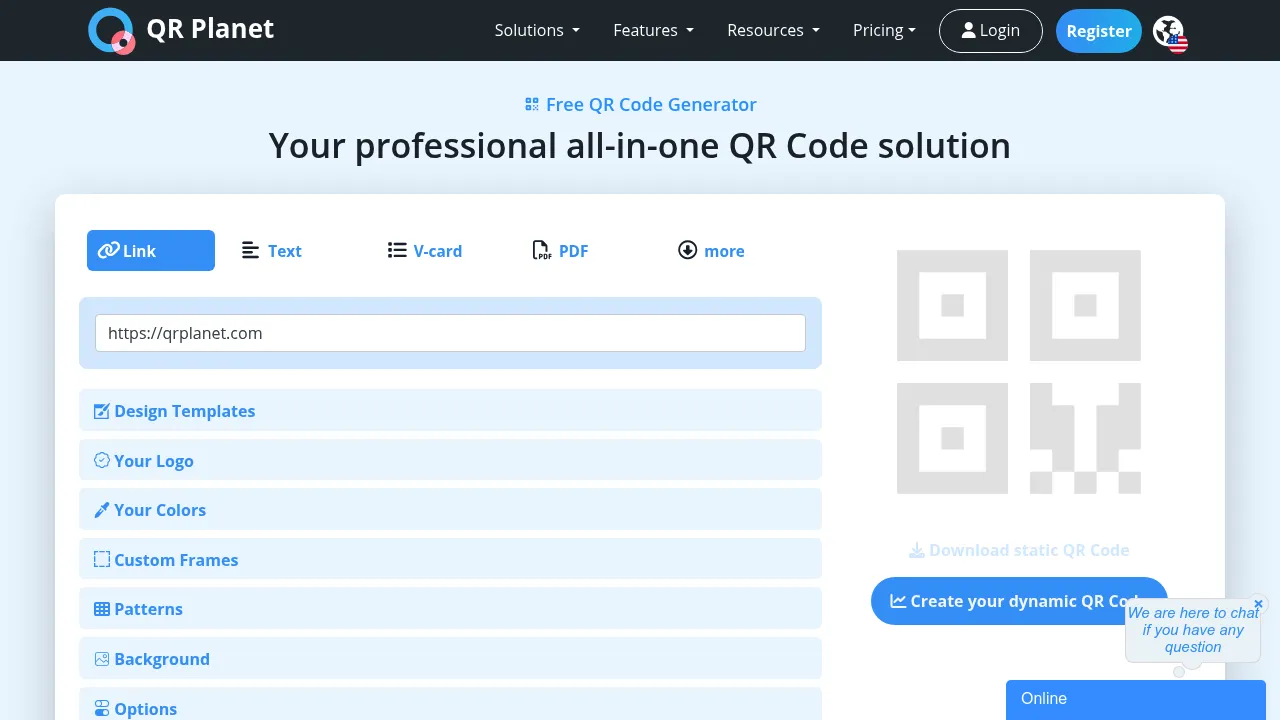
QR Planet effectively balances free static generation with optional dynamic features. No registration is needed for basic, reliable static codes, making it a solid choice for permanent links or informational printouts. Its templates and frames can help guide user scanning.
Features
- Generate free static QR codes with no expiration or scan limits.
- Customizable colors, gradients, logos, frames, patterns, and error correction.
- Supports links, vCards, PDFs, Wi-Fi, social media, and payments.
- High-resolution PNG, SVG, and PDF exports.
Considerations
- Dynamic codes and scan tracking require a free account.
- Advanced features like batch generation require registration.
4. JustFreeQR
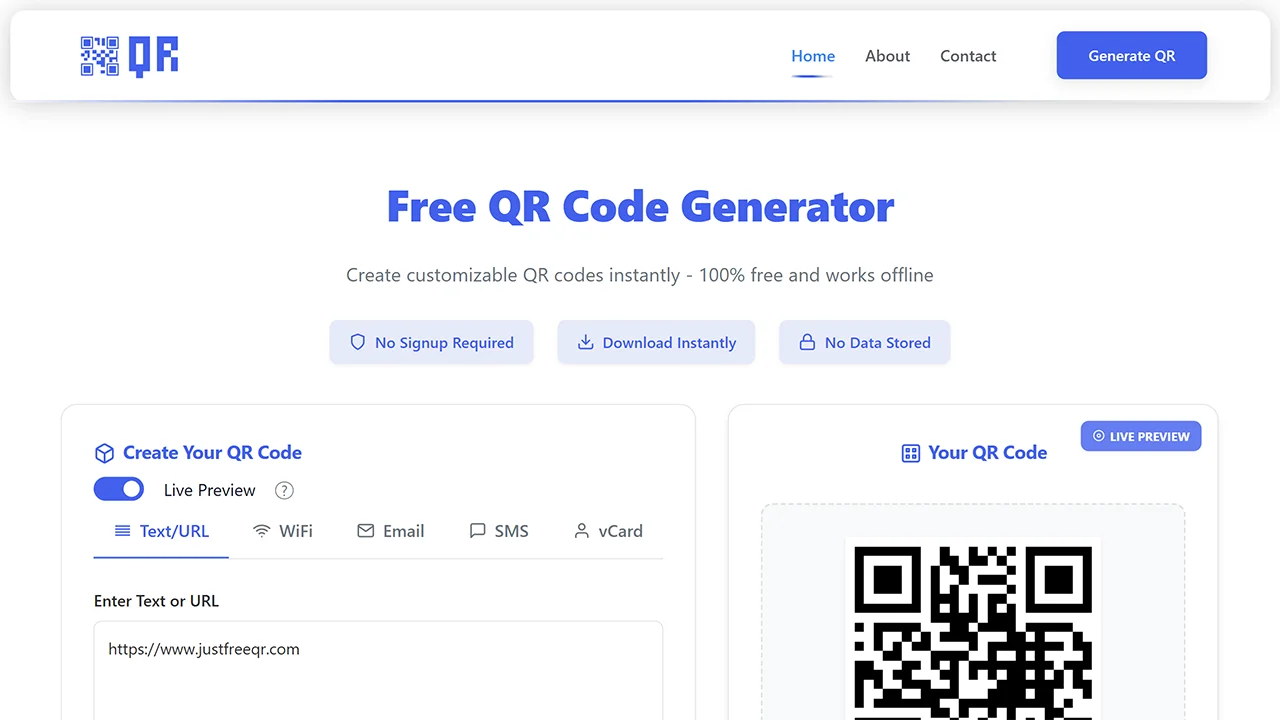
JustFreeQR offers a straightforward experience for generating QR codes for links, text, and contact information. The tool emphasizes accessibility and ease of use across devices. It is well suited for users who want a dependable generator without design complexity or hidden restrictions.
Features
- Supports multiple data types including Text/URL, WiFi, Email, SMS, and vCard.
- Customize colors, background, size, shape, and upload logos.
- Fully usable without creating an account.
Considerations
- Doesn’t offer advanced tracking or campaign features.
- Focused on simplicity over extensive design options.
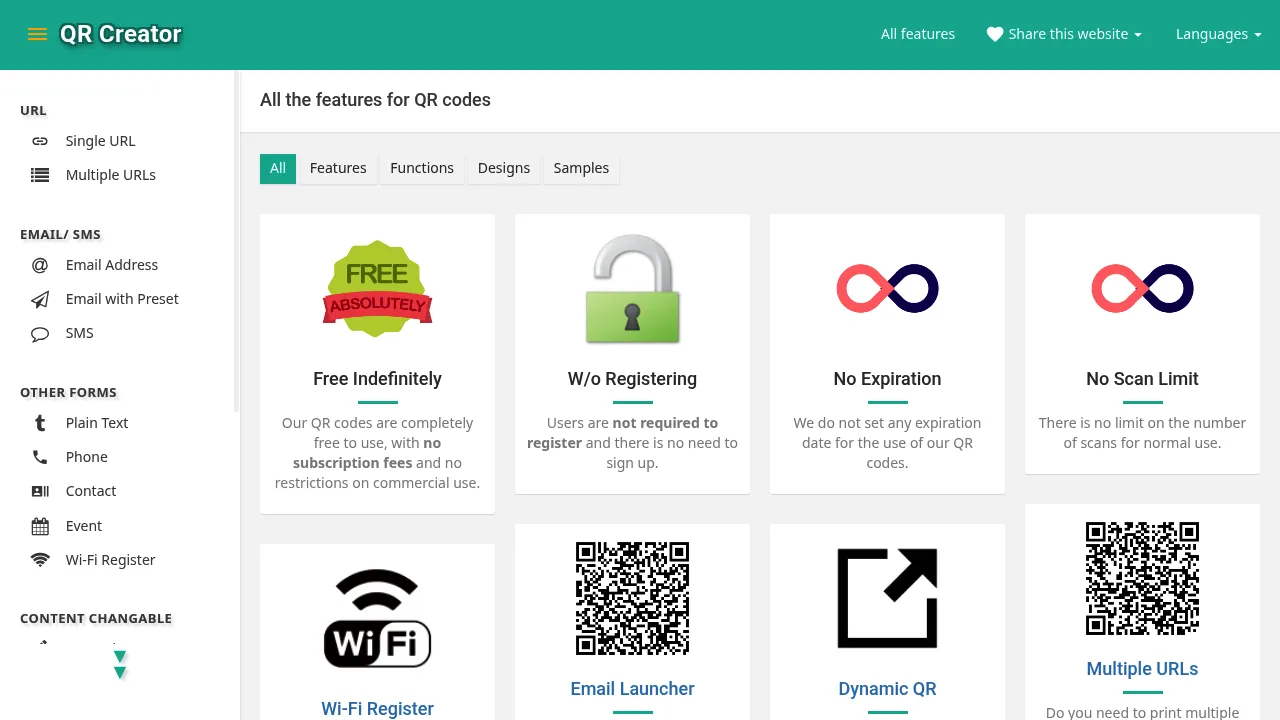
5. QR Creator
QR Creator focuses on unrestricted free use with no registration barriers. Users can create QR codes instantly without logging in, managing profiles, or providing personal data. The tool supports a variety of QR types and use cases while keeping the entire experience simple, private, and commitment-free.
Features
- No registration, usage restrictions, or expiration on generated codes.
- Supports dynamic QR codes and multiple URLs.
- High-resolution downloads in SVG, PNG, and JPG.
Considerations
- Interface is functional but less design-heavy than specialized generators.
6. QRly
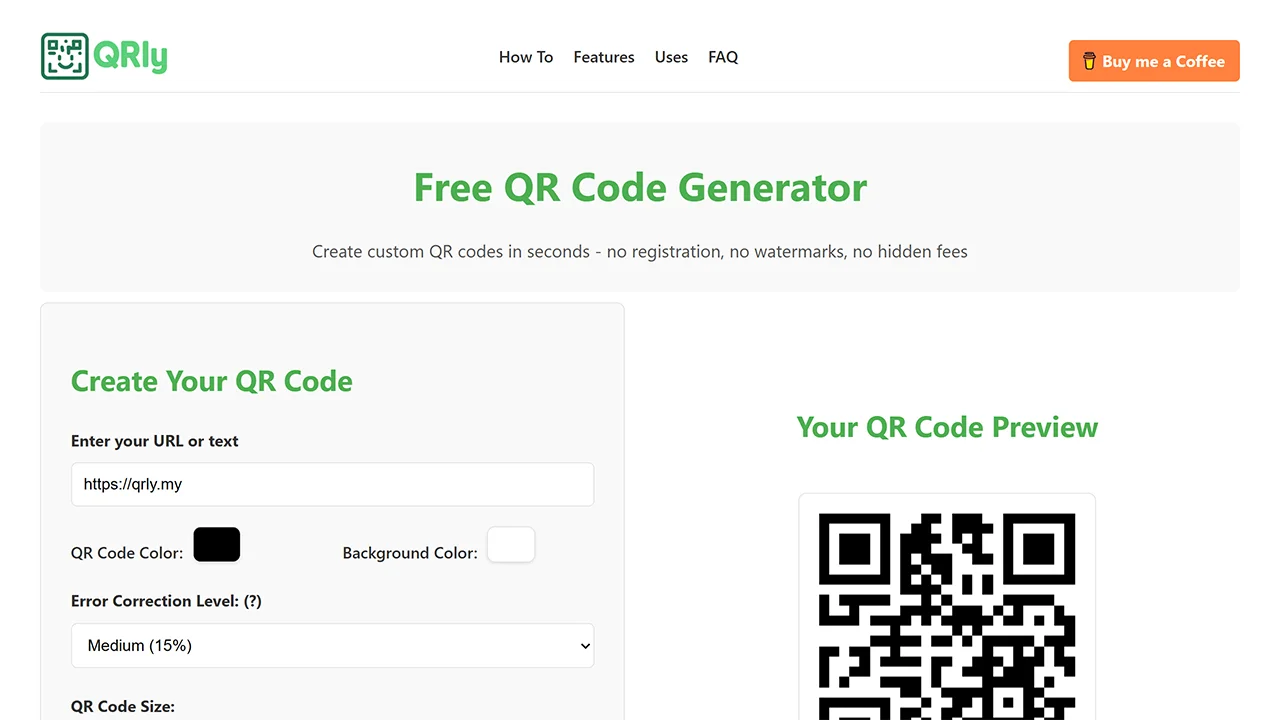
QRly emphasizes speed and simplicity, enabling users to generate QR codes for URLs and basic content within seconds. It works best for quick sharing or short-term use cases where efficiency is more important than customization. The interface remains clean and straightforward, without unnecessary steps or signup prompts.
Features
- Custom QR and background colors plus adjustable error correction levels.
- Multiple size options for different use cases.
- High-resolution PNG output with no watermarks.
Considerations
- Limited to static codes; no dynamic editing or advanced types.
- Fewer design elements compared to more feature-rich options.
7. WPixel
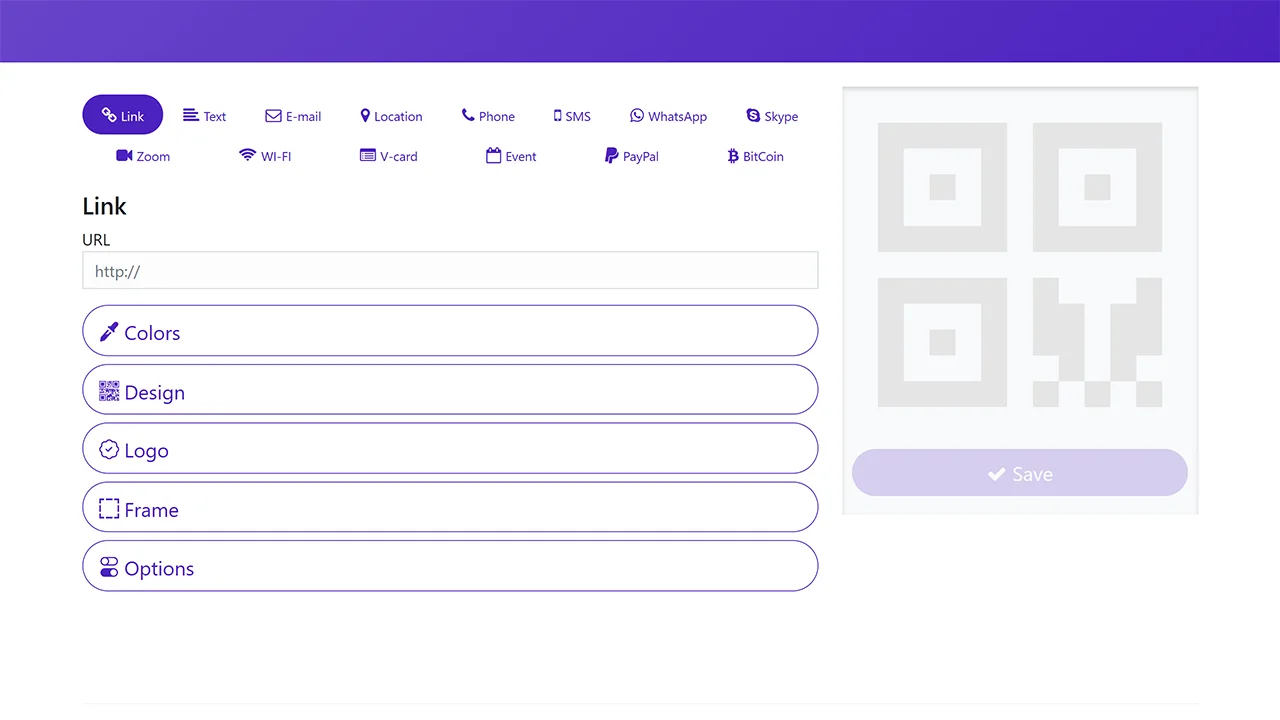
WPixel’s QR generator offers a balance between usability and visual customization. It supports common QR content types and provides styling options that are helpful for branding without overwhelming the user. The tool runs entirely in the browser and does not require any form of registration, making it practical for designers who need quick visual adjustments without committing to a platform.
Features
- Basic customization: logo upload, color adjustments, and simple frames.
- Supports standard data types like URLs, text, and vCard.
- Downloads in PNG, SVG, and PDF formats.
Considerations
- No built-in analytics, tracking, or performance monitoring.
- Limited to static codes with no dynamic editing.
8. HoverCode
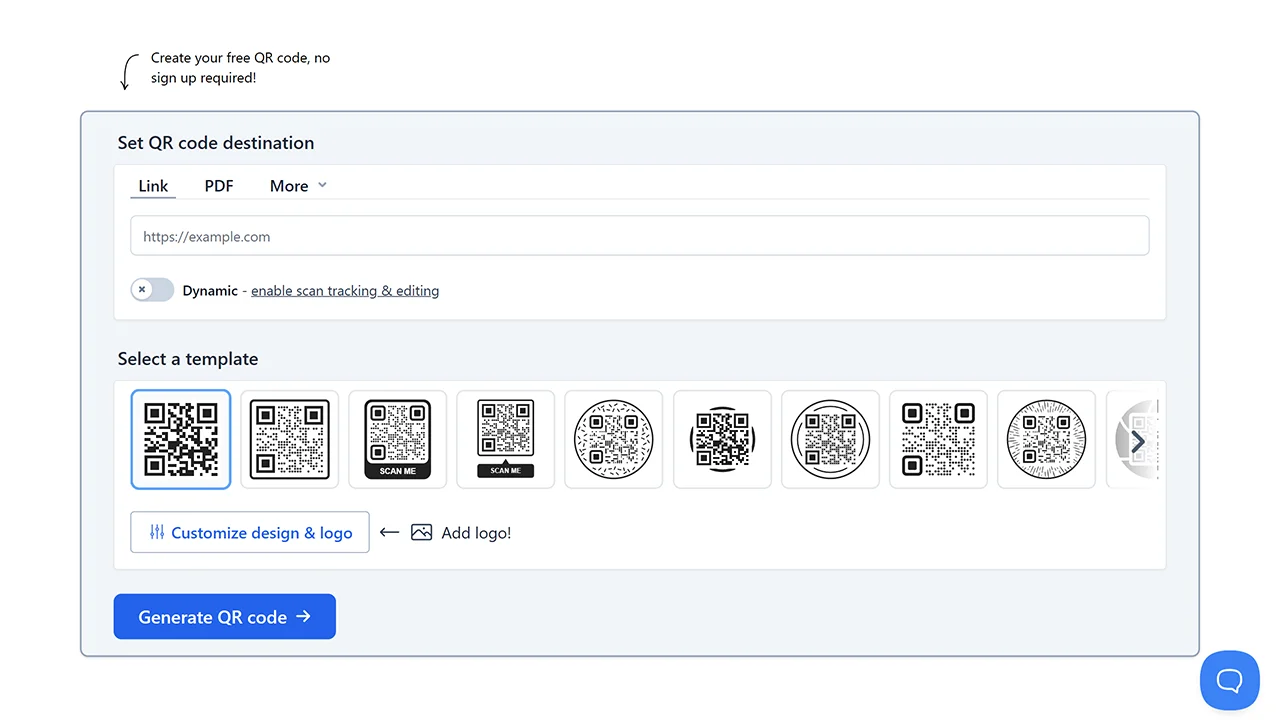
HoverCode specializes in dynamic QR codes with editing and analytics, allowing quick creation for URLs, PDFs, vCards, WiFi, app stores, and more. While basic static generation is promoted as “no signup required,” full access to saves, edits, and tracking needs a free account. It’s best for campaigns needing post-print updates rather than one-off anonymous use.
Features
- Supports key QR code types including URL/Link, PDF, vCard, WiFi, and app links.
- Instant generation of static QR codes with no expiration or scan limits.
- Basic customization with destination selection.
Considerations
- Advanced features like dynamic/editable codes require signup.
- Download formats are limited to PNG/SVG.
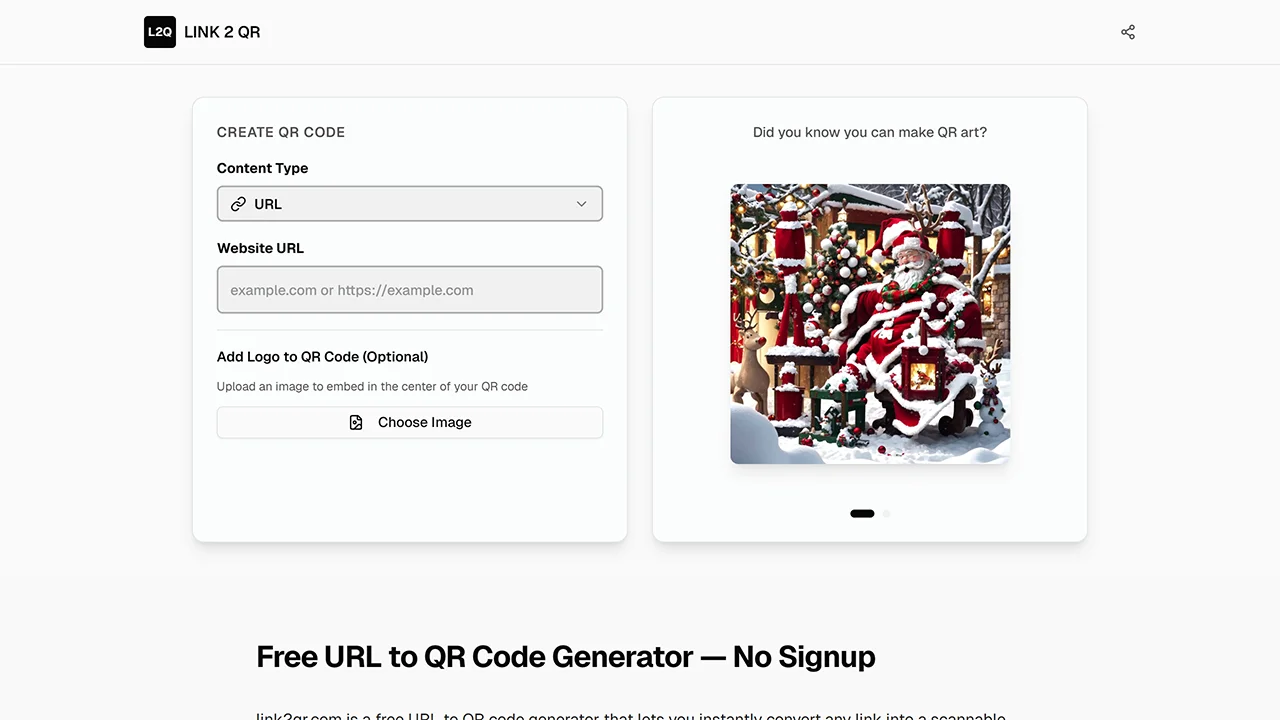
9. Link2QR
Link2QR is designed specifically for converting links into QR codes with minimal friction. Paste a URL, generate a QR code, and download it immediately. There are no extra features to navigate, making it ideal for users who value speed and clarity over customization.
Features
- Supports URL, email, phone, SMS, Wi-Fi, and location.
- Instant generation entirely in the browser.
- Permanent static QR codes with no expiration.
Considerations
- Lacks visual customizations like colors, logos, or shapes.
- No dynamic editing or analytics available.
10. FairQR
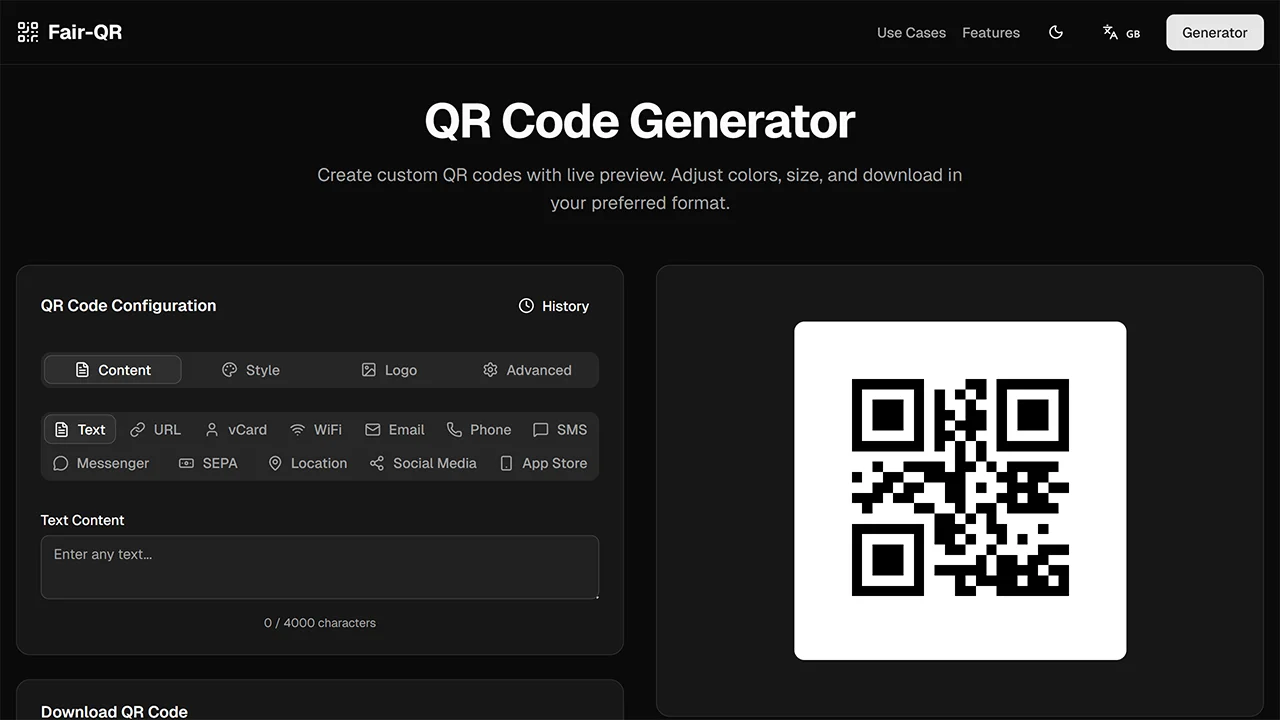
FairQR is a privacy-first and fully free QR code generator that runs entirely in the browser and doesn’t require any signup, login, or personal information. It’s ideal for users who want powerful QR code features with full customization and unlimited free use while prioritizing data handling and transparency.
Features
- Generate unlimited QR codes with no expiration or scan limits.
- Supports URLs, text, Wi-Fi, vCards, SEPA payments, and more.
- Full customization: colors, gradients, sizes, error correction, and logo upload.
- Download high-quality codes as PNG, JPEG, or scalable SVG.
- All processing happens locally in your browser.
Considerations
- Lacks dynamic QR editing, bulk generation, or scan analytics.
How to Choose the Right QR Code Generator
Your ideal tool depends on your specific goal. Use this guide to match your needs with the best option.
| Criterion | Why It Matters | Recommended Tools |
|---|---|---|
| Speed and simplicity | Ideal for quick, one-time QR needs | QRly, Link2QR, JustFreeQR |
| Visual customization | Important for branding and print | QRCode Monkey, QRStuff, QR Planet |
| Privacy & security | Critical for sensitive or one-off use | QRly, QRCode Monkey |
| Supported QR types | Useful for diverse content types | QRStuff, QRCode Monkey, QR Planet |
Final Thoughts
For many use cases, a QR code generator should be fast, private, and disposable – not another account to manage. The tools listed above focus on removing friction while keeping output reliable and accessible. You can find more utilities that follow this no-signup approach throughout the NoSignupTools directory.