

Whether you’re planning a trip, organizing a project, or simply keeping track of everyday tasks, digital checklists can save time and reduce mental clutter. Unfortunately, many online checklist tools introduce friction by requiring signups, email addresses, or paid accounts – which can slow you down and raise privacy concerns.
This guide highlights free online checklist makers that work instantly in your browser without signup or login. Each tool was reviewed hands-on and evaluated using the same criteria: clarity of purpose, ease of use, practical limitations, and how your data is handled.
1. PrepMyList
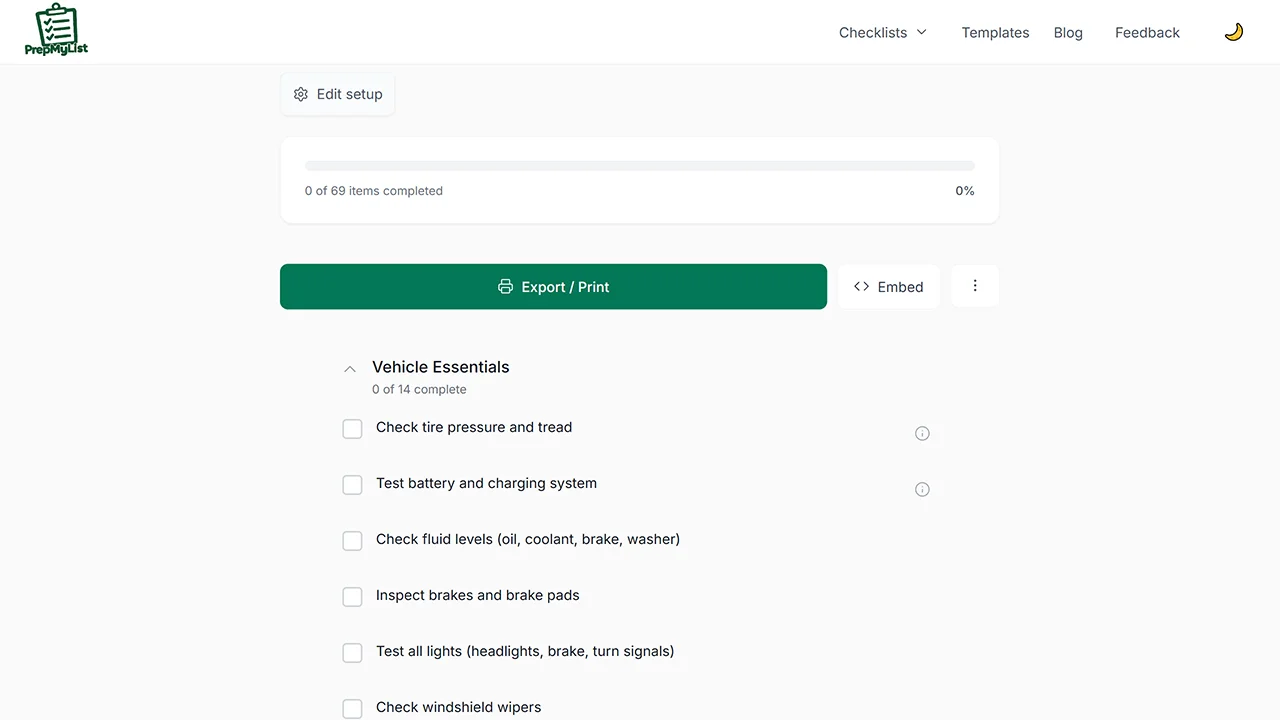
PrepMyList is a browser-based checklist creator built for structured and reusable checklists rather than quick, disposable notes. It allows you to create lists from scratch or start with guided templates, add notes to individual items, and track progress interactively. Finished checklists can be exported or shared, making the tool especially useful for planning tasks you may revisit or reuse.
Features
- Create checklists from blank or predefined templates.
- Add contextual notes to individual checklist items.
- Mark progress interactively with clear completion states.
- Export lists as printable PDF or downloadable CSV files.
- Share checklists via a unique link or QR code.
Considerations
- Checklists are stored locally in the browser and may be lost if cache is cleared.
- Template coverage is limited to selected scenarios, so custom workflows require manual setup.
2. FreeToDoList
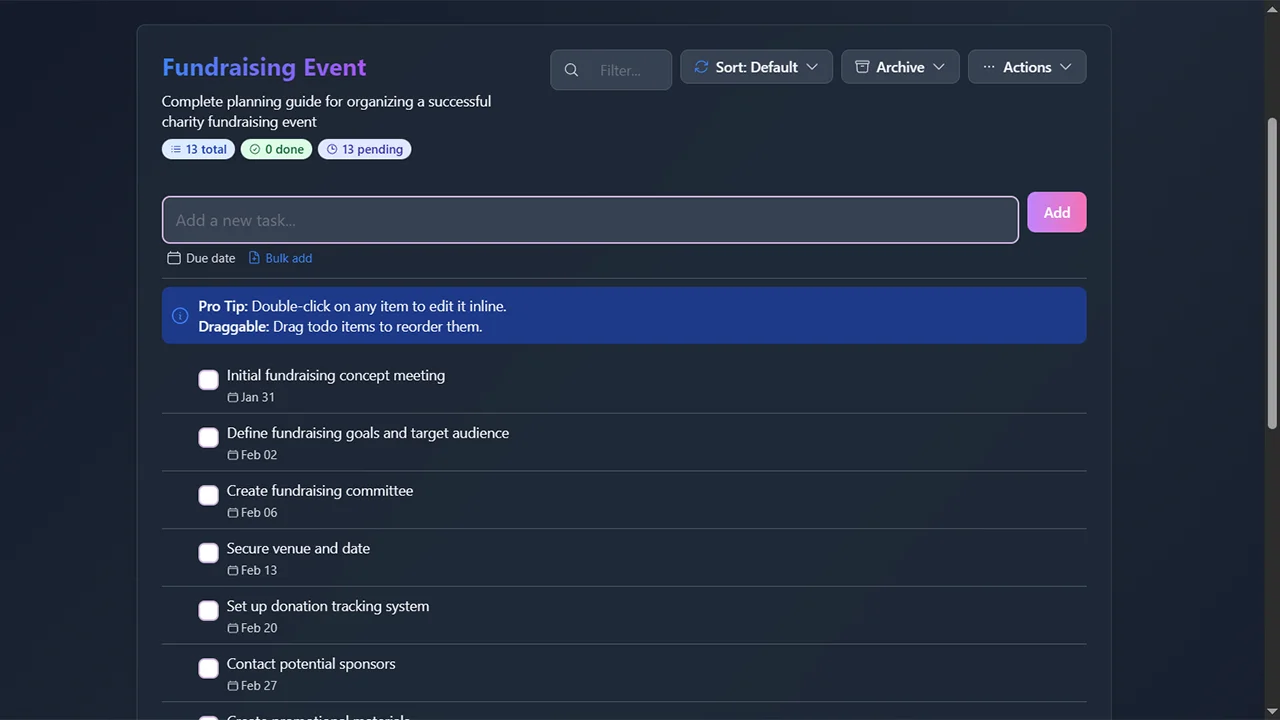
FreeTodoList allows users to create and manage task lists directly in the browser, with features like item reordering and optional sharing. While it does not force signup at the start, some persistence and cross-device functionality are tied to optional accounts. The tool leans more toward general task tracking than formal checklists, which may influence how well it fits structured workflows.
Features
- Assign due dates with visual indicators for upcoming or overdue items.
- Reorder tasks using drag-and-drop and sort by date, position, or status.
- Generate read-only share links for viewing without editing access.
- Subscribe to list updates through RSS feeds for external monitoring.
Considerations
- Lists are stored only in browser local storage by default.
- Better suited for day-to-day task tracking than recurring checklists.
3. ListPaste
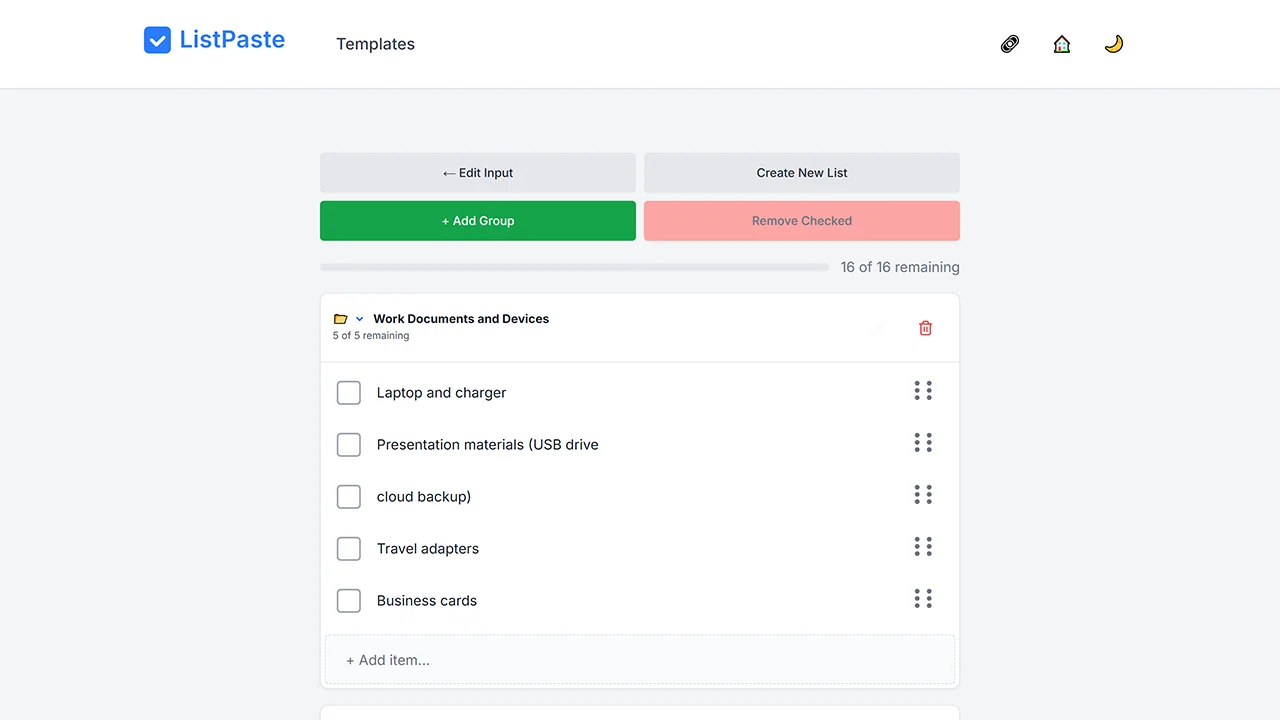
ListPaste focuses on turning plain text into usable checklists with minimal friction. Users can paste raw notes or lists and instantly convert them into interactive checklist items, reorder entries, and share the result via a unique link. The tool operates without accounts and emphasizes local browser storage, which appeals to privacy-conscious users who want fast list creation without committing to long-term storage or feature-heavy interfaces.
Features
- Paste raw text to instantly generate checklist items.
- Automatically clean and organize pasted content.
- Operates without login and stores data locally in the browser.
- Share generated lists via secure, unique links.
Considerations
- Best suited for single, short-term lists rather than ongoing list management.
- No export formats beyond interactive and shared views.
- Lacks advanced features such as due dates or recurring tasks.
4. Flask
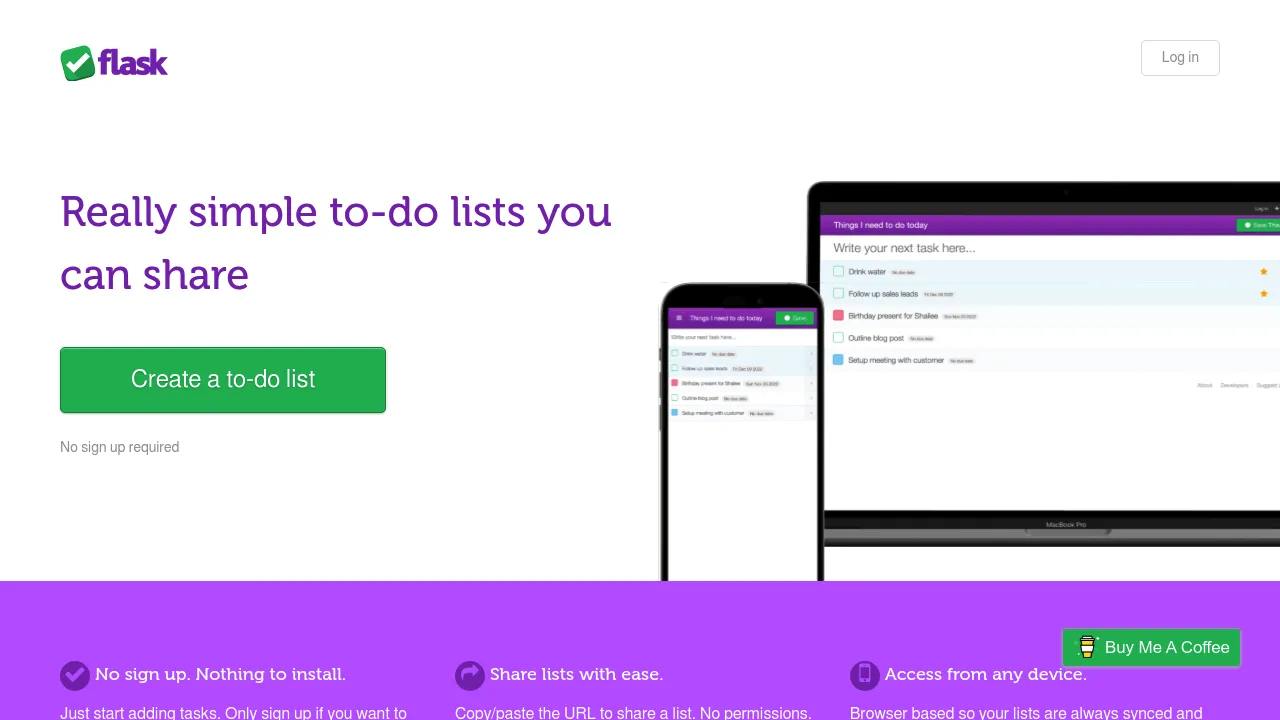
Flask provides a lightweight environment for creating and sharing simple to-do lists directly in the browser. Lists can be created instantly and shared via URL, making it useful for short-term tasks or quick collaboration without setup. The interface prioritizes speed and accessibility over advanced checklist controls, which keeps the experience straightforward but limits customization, templates, and export options.
Features
- Start creating lists immediately without registration.
- Share lists by simply copying and sending the URL.
- Browser-based syncing keeps the active list up to date.
Considerations
- Designed for basic to-do lists rather than structured checklists.
- No templates, exports, or advanced customization options.
5. TodoListMe
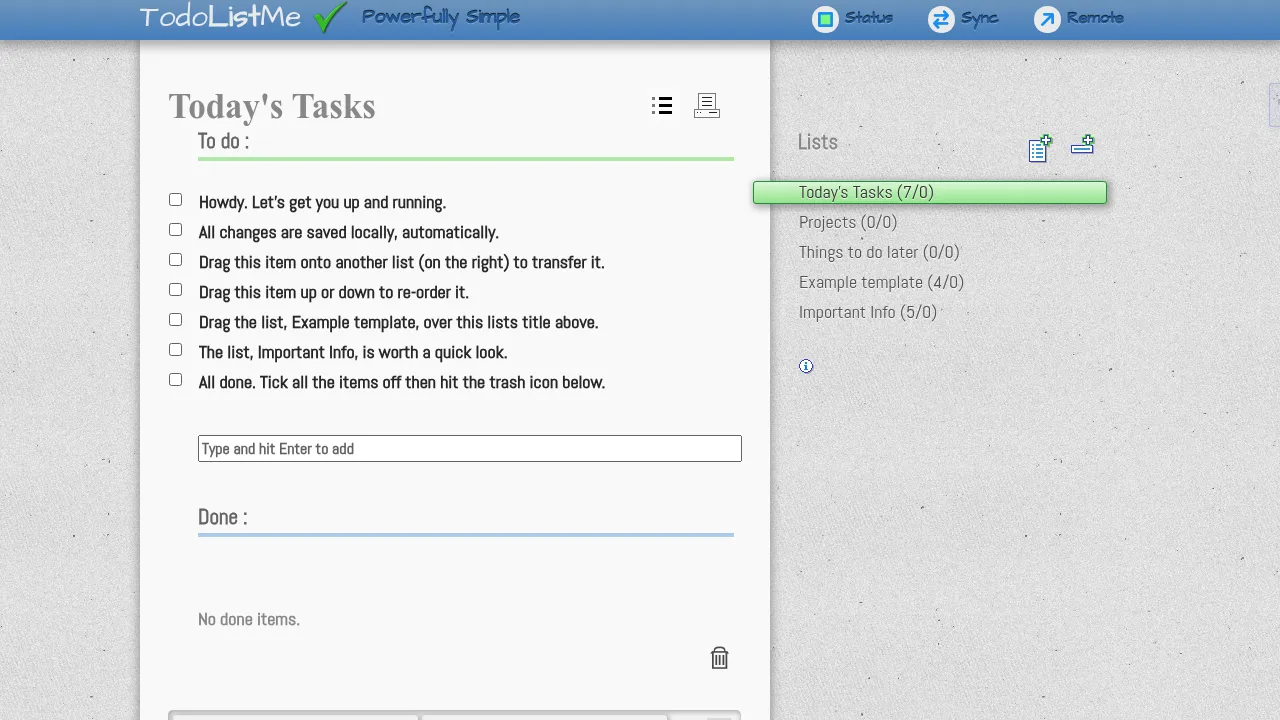
ToDoListMe offers a minimal web interface for creating basic lists without requiring registration. It supports adding, editing, and completing items in a simple layout that works across devices. The tool avoids extra features such as templates, sharing workflows, or exports, which keeps distractions low but also makes it less suitable for complex or reusable checklist scenarios.
Features
- Create and manage multiple lists without registration.
- Drag-and-drop tasks within and between lists.
- Set recurring tasks using a built-in calendar.
- Sort tasks alphabetically, randomly, or manually.
- Print lists for offline or physical use.
Considerations
- Strictly local storage by default; optional sync needs login.
- No built-in export options beyond printing.
- Interface is functional but may feel visually dated.
6. List2Go
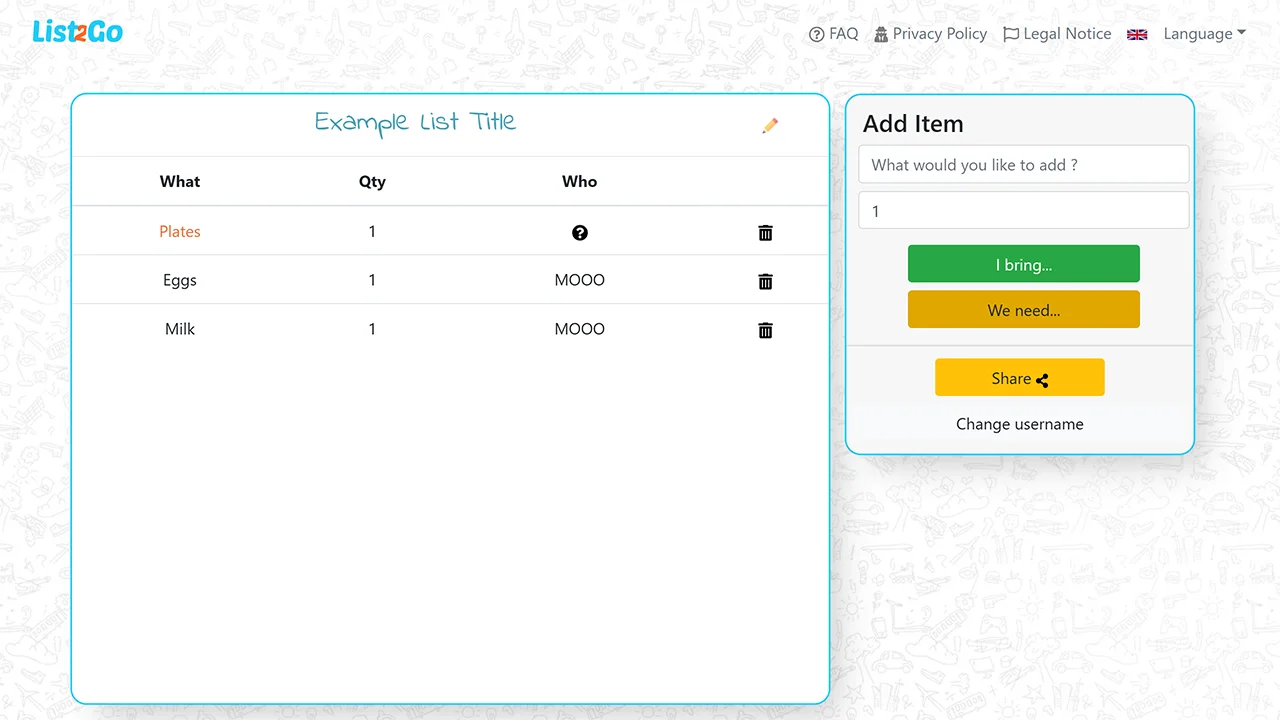
List2Go presents itself as a simple list-sharing tool where users can create a list and distribute it via a link without signing up. The focus is on quick collaboration rather than long-term checklist management. Available information and on-site guidance are limited, and advanced features such as exports or structured checklist controls are not clearly documented, which may affect reliability for more involved use cases.
Features
- Create unlimited lists and items without an account.
- Share links that allow collaborative list editing.
Considerations
- Extremely limited feature set with no sorting, exports, or templates.
- Best suited for casual or short-lived collaborative lists.
7. Great Checklists
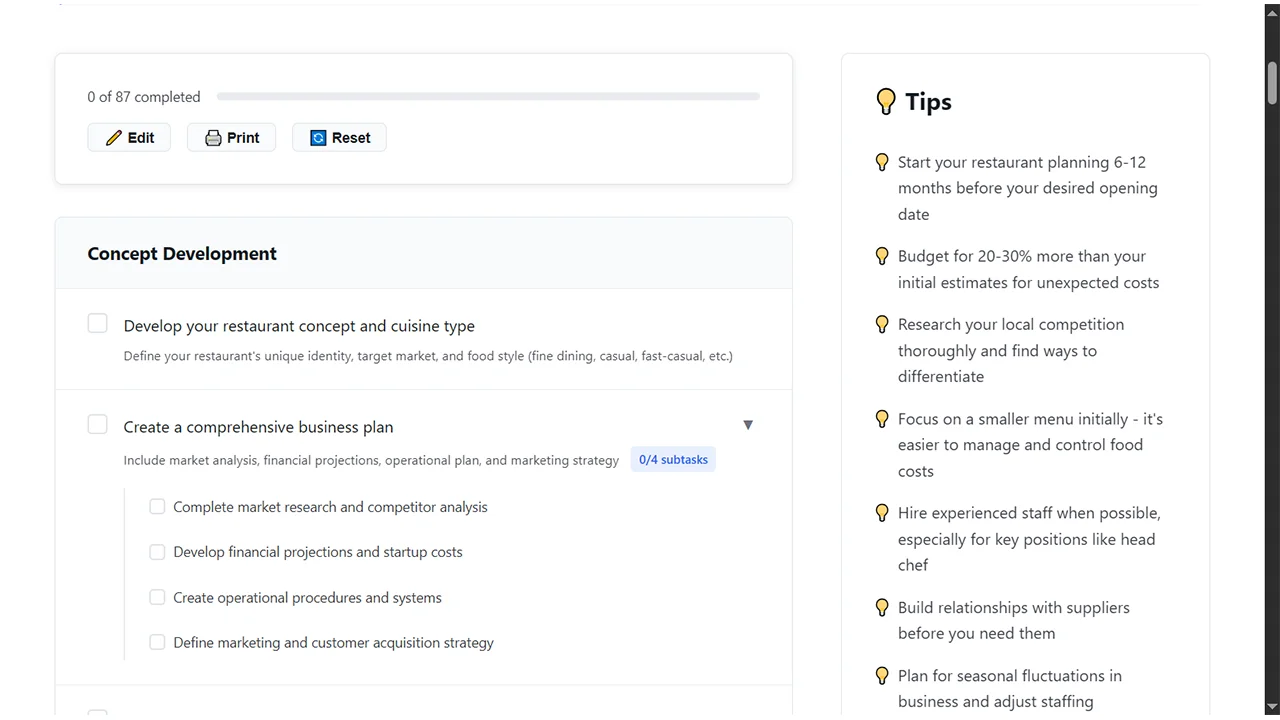
Great Checklists focuses on providing customizable checklist templates across various life categories. Users can access, edit, and use checklists directly without barriers, with options for printing and sharing. The emphasis is on practical, occasion-specific guidance rather than building advanced tools from scratch.
Features
- Access categorized templates for travel, moving, events, and daily life.
- Customize existing checklists by adding or removing items.
- Automatically save progress while checking items.
- Print clean, formatted versions of checklists.
Considerations
- Primarily template-driven; creating fully original lists is secondary.
- No advanced features such as deadlines, recurring tasks, or real-time collaboration.
8. Checkli
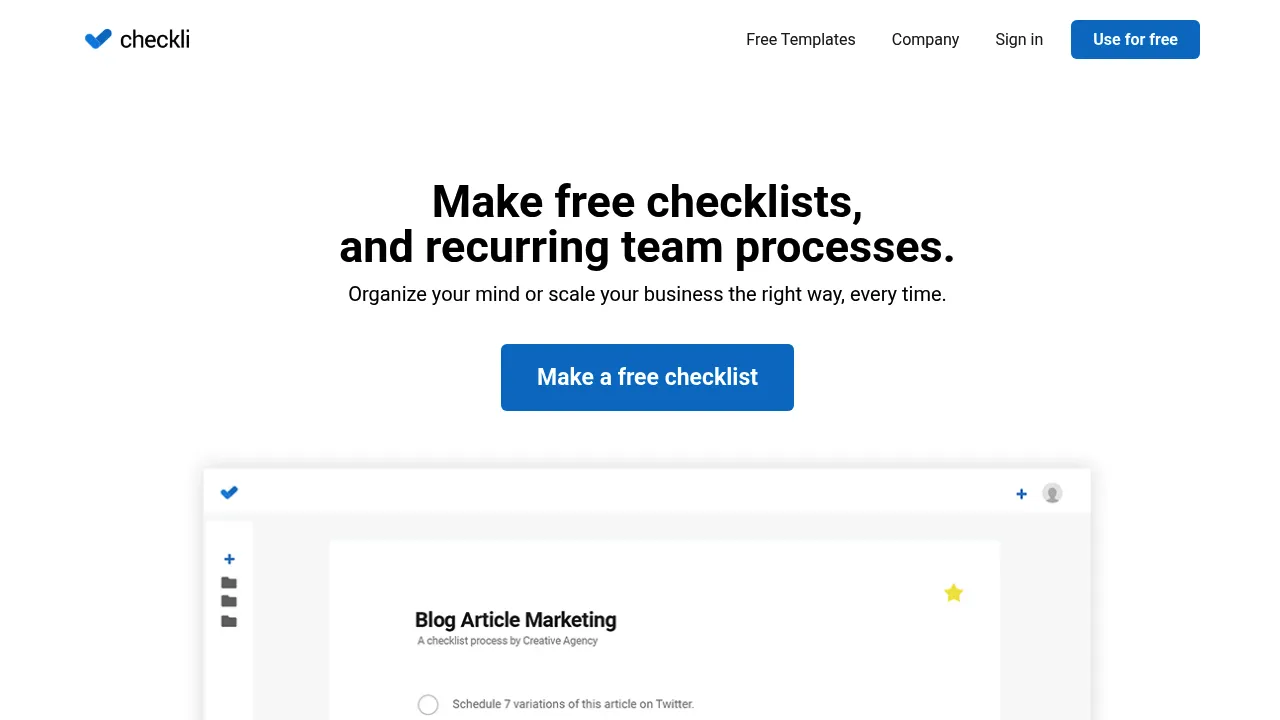
Checkli centers on reusable checklists for recurring tasks, allowing users to create lists that can be checked off repeatedly over time. The interface is clean and task-oriented, with an emphasis on consistency rather than one-off notes. While some features may encourage account creation for saving and syncing, basic checklist functionality is accessible immediately, making it practical for routine processes.
Features
- Large library of checklist templates across industries.
- Duplicate and reuse checklists for recurring processes.
- Share private links for checklist completion.
- Track completion activity and notifications.
Considerations
- Creating or saving custom checklists requires an account.
- Feature set may feel excessive for solo or casual users.
How to Choose the Right No-Signup Checklist Maker
Choosing between tools depends on your needs. Here’s a quick comparison to guide that decision:
| Criterion | Why it matters | Recommended Tools |
|---|---|---|
| Template support | Saves setup time for common scenarios | PrepMyList, Great Checklists |
| Sharing / collaboration | Allows others to view/edit your list | FreeToDoList, ListPaste |
| Export options | Printable or offline backup support | PrepMyList |
| Privacy & security | Keeps data local and avoids email capture | ListPaste, PrepMyList |
| Simplicity | Instant start with minimal UI | Flask.io, ToDoListMe |
Final Thoughts
These tools demonstrate that effective organization doesn’t need to involve data collection or subscriptions, letting you focus on tasks while keeping things private. For more options like this, check out NoSignupTools.com and explore more no-signup tools in our Tools Directory.