

Creating flowcharts often involves dealing with registration forms and privacy trade-offs, which can slow down simple tasks like mapping a process or brainstorming ideas.
These free online flowchart makers for 2026 offer immediate access without any login requirements, prioritizing user privacy and quick starts. Each tool has been curated and tested for reliability, ensuring they deliver value in real-world scenarios.
1. DGRM
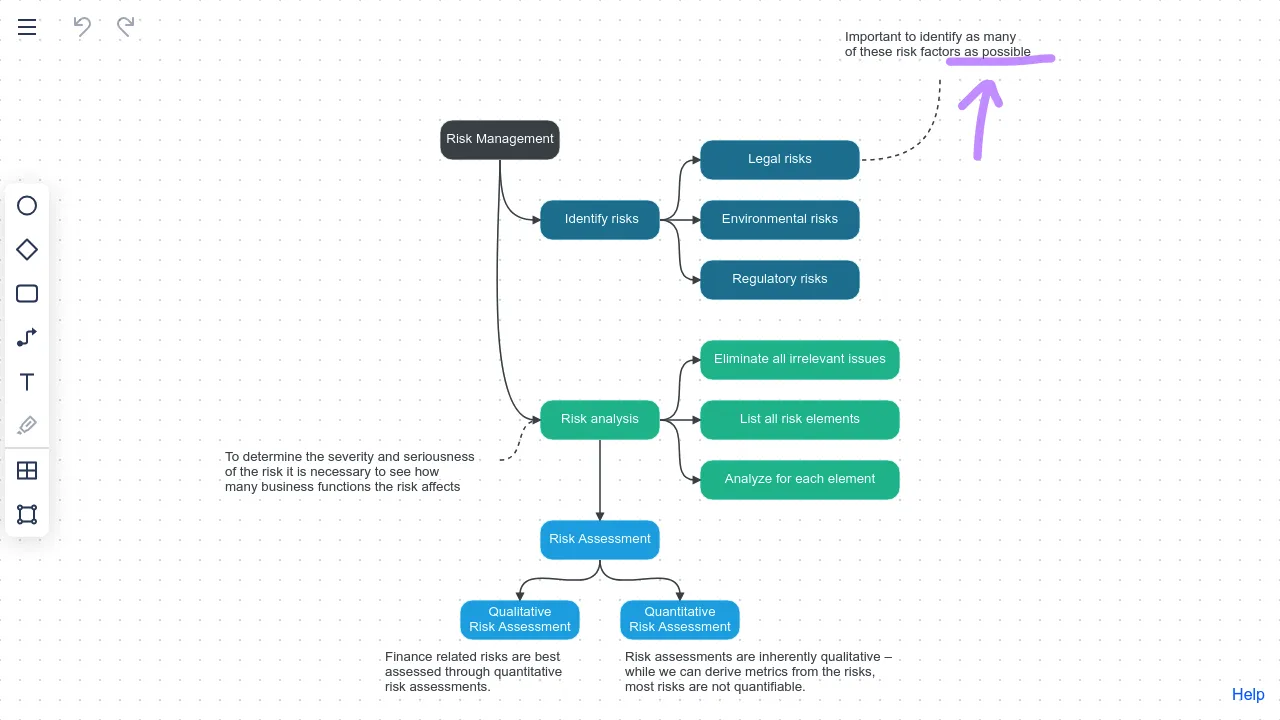
DGRM is a minimalist, browser-based flowchart editor that lets you quickly create clean, grid-aligned diagrams without any signup or installation. Its automatic alignment and intuitive connectors make it ideal for fast process sketches, planning workflows, or basic organizational charts. While it lacks some advanced features of full diagram suites, its no-friction workflow is appealing for smaller charts or when you just need a diagram fast.
Features
- Grid-aligned drawing for automatic straight lines and neat layouts.
- Copy diagrams directly into Word, Google Docs, or messaging apps.
- Share charts via link and invite collaborators with edit or view access.
- Cross-device compatibility, working seamlessly on phones, tablets, and PCs.
Considerations
- UI is very basic compared with full suite diagram tools.
- Doesn’t offer automated layout or AI assistance.
- Very simple style options and no advanced export presets.
2. FloChartAI
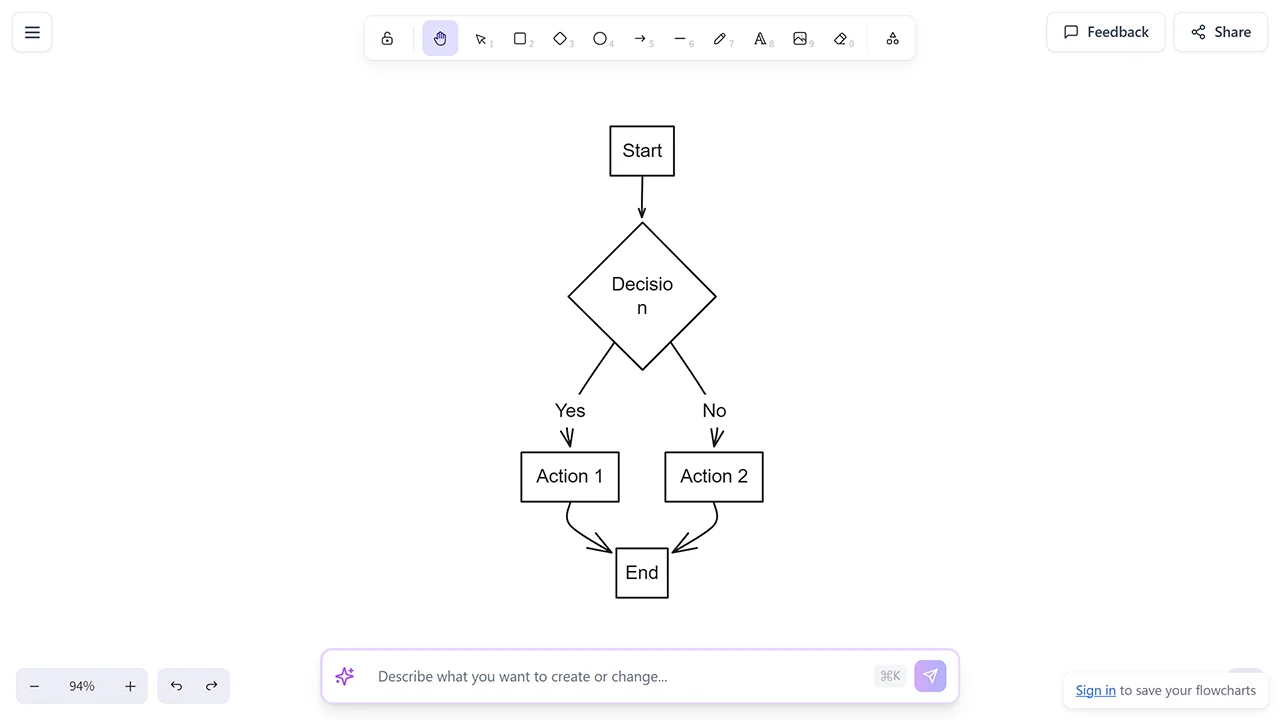
FloChartAI leverages natural language and AI to generate flowcharts from written descriptions. Simply describe a process, workflow, or sequence in a few sentences, and the AI will interpret and render a structured chart with decision points and flow paths. This makes it useful for planning sessions, quick documentation, and turning written ideas into clear visual diagrams. The interface prioritizes speed and simplicity, allowing users to start creating flowcharts instantly without signup.
Features
- AI-powered flowchart generation from natural language descriptions.
- Simple visual editor for refining and adjusting generated diagrams.
- Export flowcharts as PNG or SVG image files for easy sharing.
Considerations
- Output quality depends on the clarity of the text description.
- Free usage is limited; advanced features may require signup.
- Browser-based only, with no offline editing support.
3. ChatFlowChart
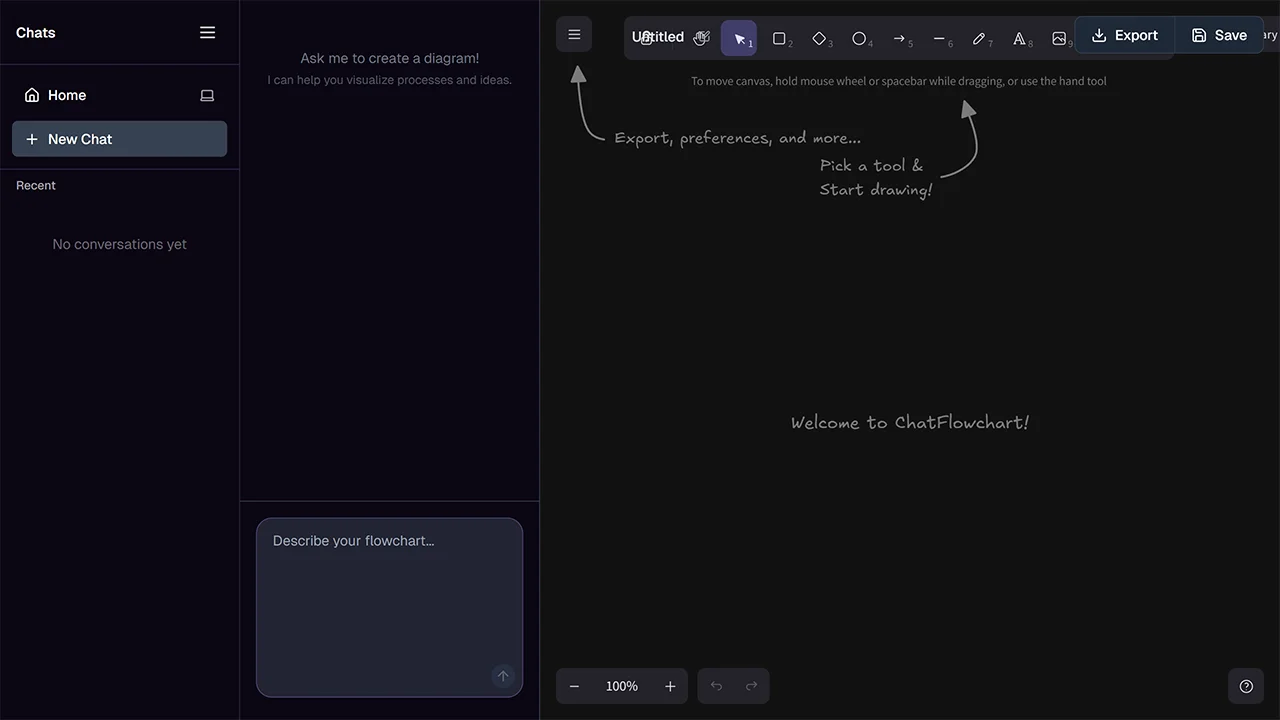
ChatFlowchart leverages AI to build and edit diagrams through conversational inputs, allowing users to describe processes in natural language and refine them via chat commands. It supports multiple diagram types, from flowcharts to ERDs, with automatic styling for professional outputs. Users can start without any account, ensuring privacy as data remains private by default. This makes it useful for rapid prototyping in software development or business analysis, where iterative changes are common.
Features
- Conversational editing for easy modifications using plain English.
- Broad support for diagram types including UML, ERD, and mind maps.
- Export options include PNG, SVG, and editable Excalidraw format.
Considerations
- Relies on internet access, with no offline editing option.
- Learning curve for maximizing chat-based refinements.
4. draw.io
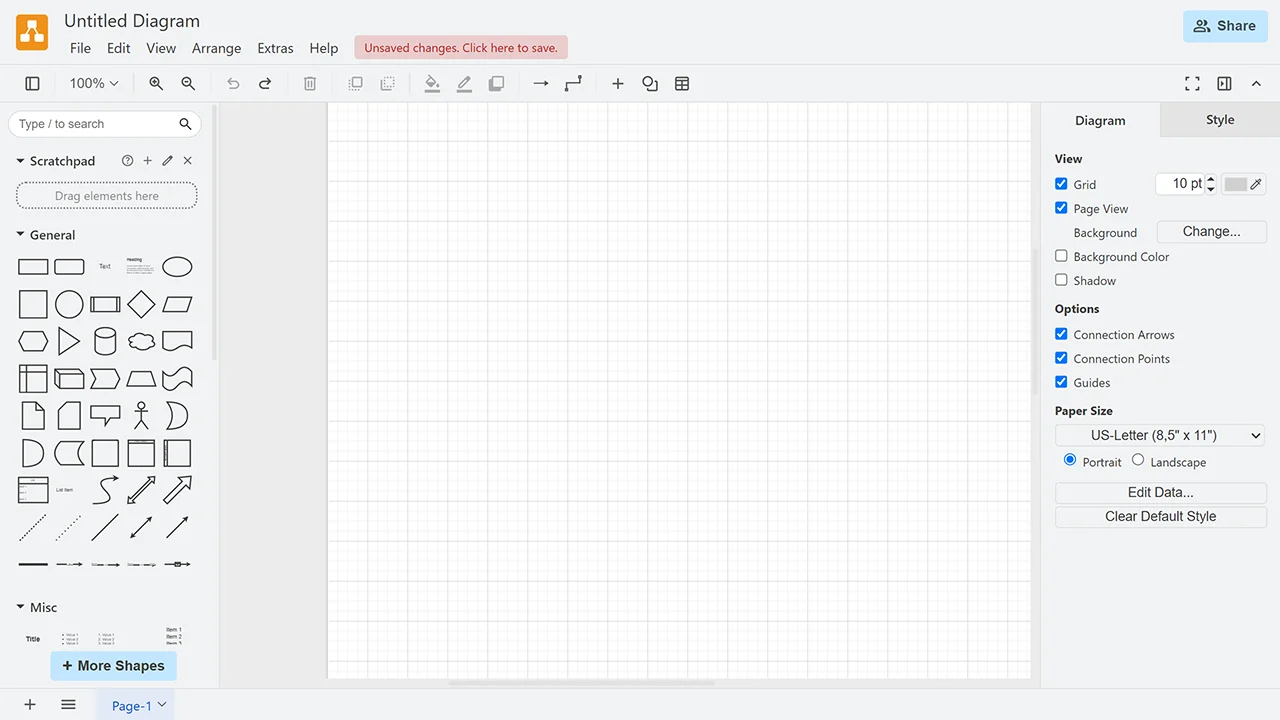
draw.io is a powerful, feature-rich diagramming tool for creating professional flowcharts, network diagrams, BPMN charts, and more. It offers extensive libraries of shapes and templates so you can quickly lay out workflows, decision trees, and process diagrams. Its drag-and-drop interface and export options like PNG, SVG, and PDF make it suitable for business documents, presentations, and documentation. Templates and smart align features help maintain clarity without steep learning curves, and it works entirely in the browser without signup.
Features
- Extensive shape libraries and templates for professional diagrams.
- Real-time collaboration with others through shared diagram links.
- Works entirely in browser, and you can save locally or to cloud storage.
- Robust export formats: PNG, JPG, SVG, PDF, HTML, XML, and more.
Considerations
- Interface can feel dense for very simple diagrams.
- Performance may slow with exceptionally large, complex diagrams.
- Advanced collaboration features require linking a cloud storage account.
5. Excalidraw
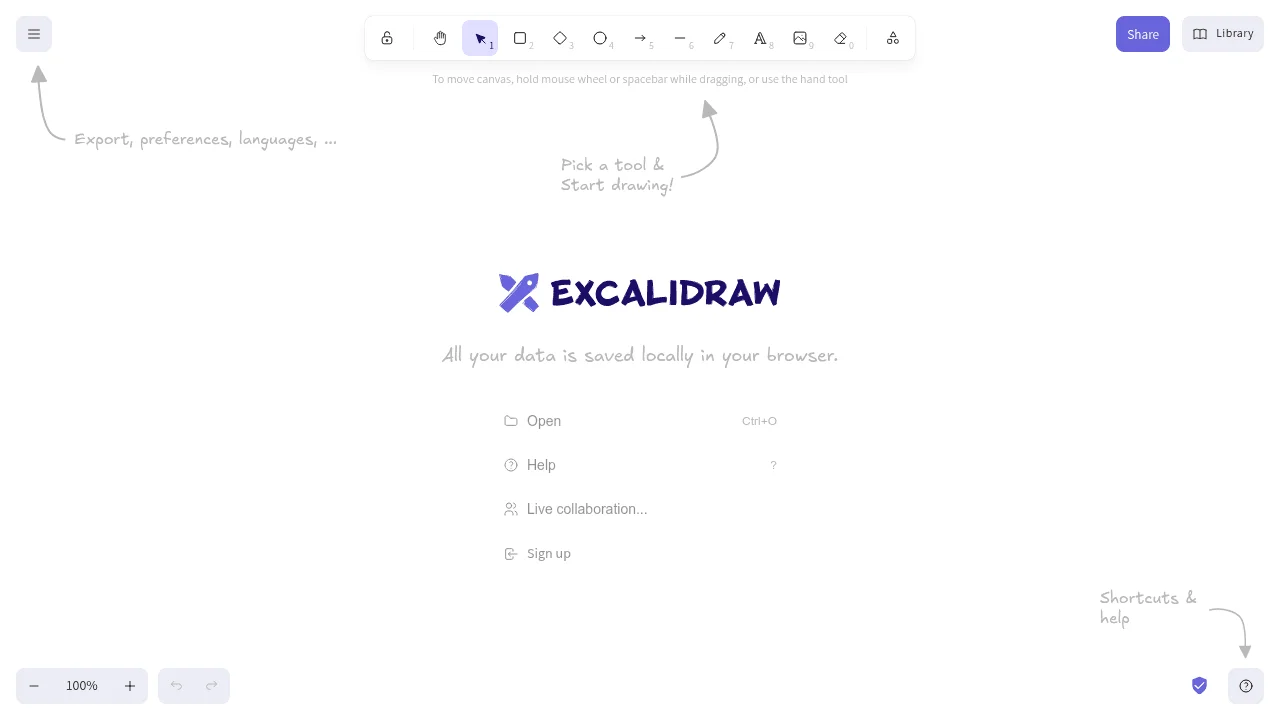
Excalidraw is an open-source virtual whiteboard for sketching flowcharts and diagrams with a hand-drawn style. It focuses on simplicity and real-time collaboration, making it ideal for brainstorming, wireframing, and informal process mapping. Core features work without signup, with drawings stored locally in the browser by default. This makes Excalidraw especially useful when rough ideas need to evolve into clearer visual flows.
Features
- Keyboard shortcuts for quick shape selection and canvas navigation.
- Real-time collaboration via shareable links.
- Local browser storage to keep data private and accessible offline.
Considerations
- Lacks automated layout or AI-assisted creation features.
- Basic design may not suit highly polished professional needs.
6. Mermaid Live
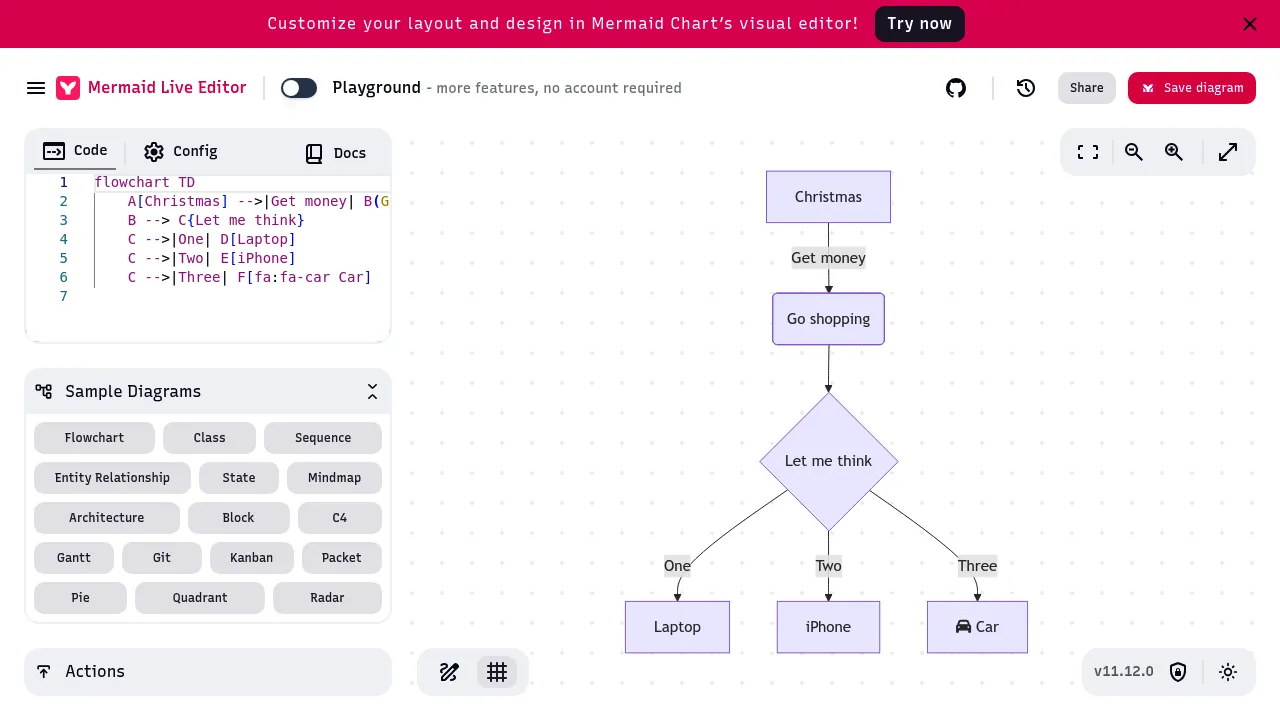
Mermaid Live is a browser-based editor for Mermaid diagram syntax, which turns text definitions into structured flowcharts and other diagrams. It’s especially popular with developers and technical writers who document processes or systems alongside code. The editor previews diagrams in real time as you type Mermaid syntax, and you can export at high resolution. While not graphical by default, its live rendering and code-to-diagram workflow make it powerful for documentation and version-controlled projects.
Features
- Syntax-based diagram creation for precise control.
- Real-time preview of changes for immediate feedback.
- Export diagrams as PNG or SVG images.
Considerations
- Requires familiarity with Mermaid syntax for effective use.
- No drag-and-drop interface, limiting appeal for non-coders.
- Dependent on browser for all operations, without offline support.
7. Flowchart Fun
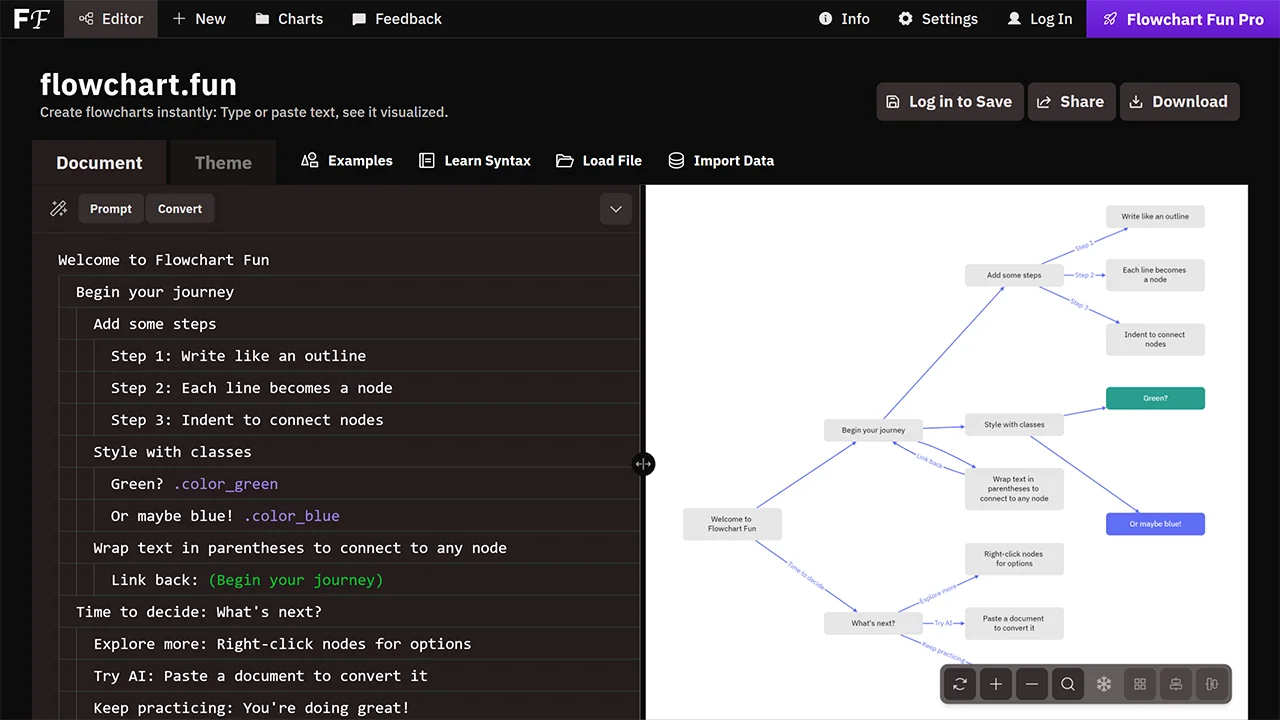
Flowchart Fun is a text-based flowchart maker that instantly renders diagrams from simple syntax, making it especially useful for developers, educators, and planners who think in plain language rather than dragging shapes. Write your steps in the editor and see the corresponding flowchart live. It’s ideal for quickly documenting logic flows, decision trees, or algorithm steps without any signup or setup. Its minimal UI focuses on speed and readability.
Features
- Text-to-flowchart generation with indentation for structure.
- Customizable node styles using simple class notations.
- AI conversion of pasted documents into diagrams.
Considerations
- To save diagrams online or access history, you must create an account.
- Basic interface may not handle very complex hierarchies well.
- No offline mode, requiring constant internet.
8. ASCIIFlow
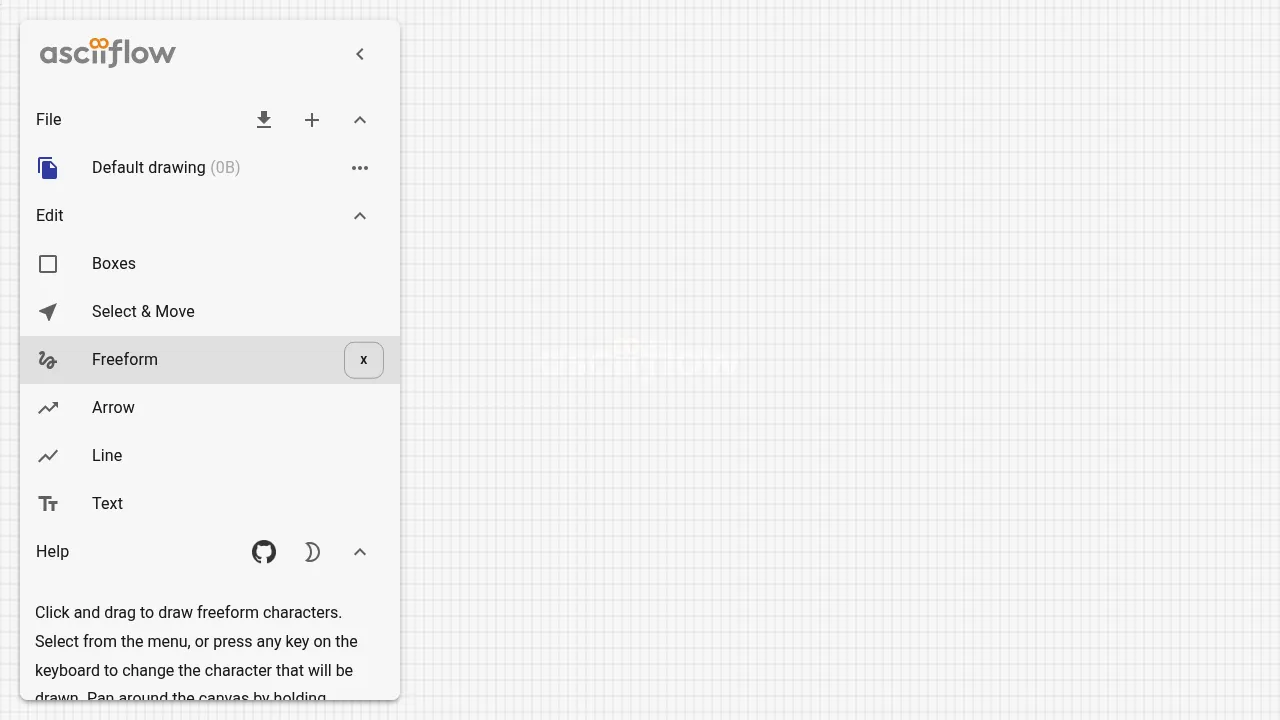
ASCIIFlow is a classic free tool for drawing simple ASCII-style diagrams directly in your browser. It’s suited for text-centric workflows, documentation, or environments where graphic exports are secondary to plain text diagrams. While not as modern as graphical chart makers, it provides immediate visual representation without signup and works entirely with keyboard shortcuts and simple text shapes.
Features
- Creates diagrams using monospace text characters.
- Simple toolbar with line, box, and free-draw tools.
- Copy/paste the ASCII art directly into any text editor.
Considerations
- Limited to ASCII output, not graphical images.
- Not a conventional flowchart creator.
How to Choose the Right No-Signup Flowchart Maker
Selecting a flowchart maker depends on your workflow, technical comfort, and the type of diagrams you need. Some people prefer drag-and-drop visuals while others want text-driven or AI-assisted workflows.
| Criterion | Why It Matters | Recommended Tools |
|---|---|---|
| Ease of use | Minimizes learning curve and speeds up diagram creation | DGRM, FloChartAI |
| AI Integration | Automates creation from descriptions, ideal for quick starts | FloChartAI, ChatFlowchart |
| Collaboration | Enables team input without accounts, for shared projects | draw.io, Excalidraw |
| Text-Based Input | Suits users who prefer coding or outlines over dragging | Mermaid Live, Flowchart Fun |
Final Thoughts
Free online flowchart tools that don’t require signup remove barriers between your ideas and the visual output needed to communicate them. Whether you need quick sketches, professional workflow diagrams, or AI-assisted generation, there’s a tool here to match your process.
Explore more no-account-needed tools in the full no-signup tools directory.