
Removing backgrounds from images can be a repetitive task, often complicated by the need for specialized software installations or account registrations that slow down workflows and introduce privacy risks. Tools that skip these steps allow users to jump straight into editing, making them practical for quick adjustments.
The tools below were curated and evaluated based on output quality, speed, privacy expectations, and how usable they are without signup. Every option works directly in the browser and allows background removal with minimal friction.
1. Removal.AI
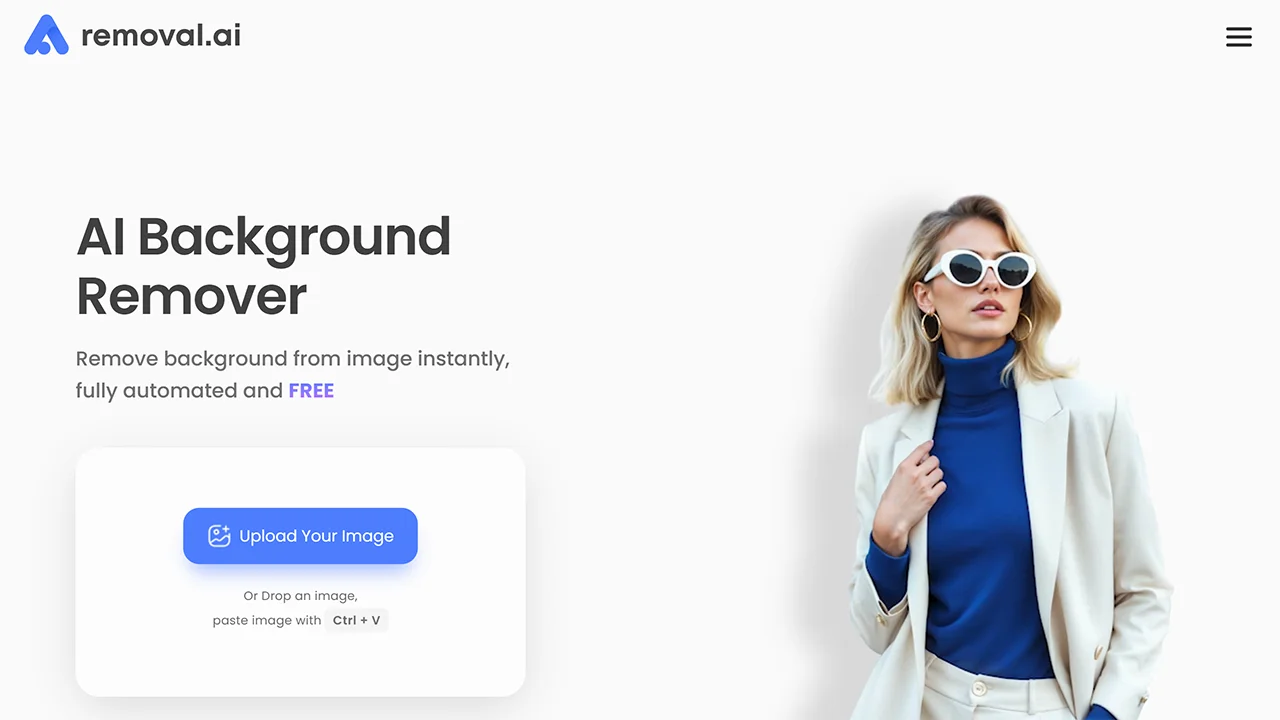
Removal.AI is a reliable choice for users who need consistent results across different image types, including people, products, and objects. Its interface is straightforward and avoids unnecessary controls. The no-signup workflow makes it practical for quick edits, especially when handling batches of images one at a time.
Features
- Automatic subject detection for accurate cutouts in seconds.
- Built-in editor for manual adjustments and background replacements.
- Works for people, products, graphics, and banners.
Considerations
- Some advanced export or API features may require credits.
- Free downloads are limited to preview resolution.
2. NoBG.space
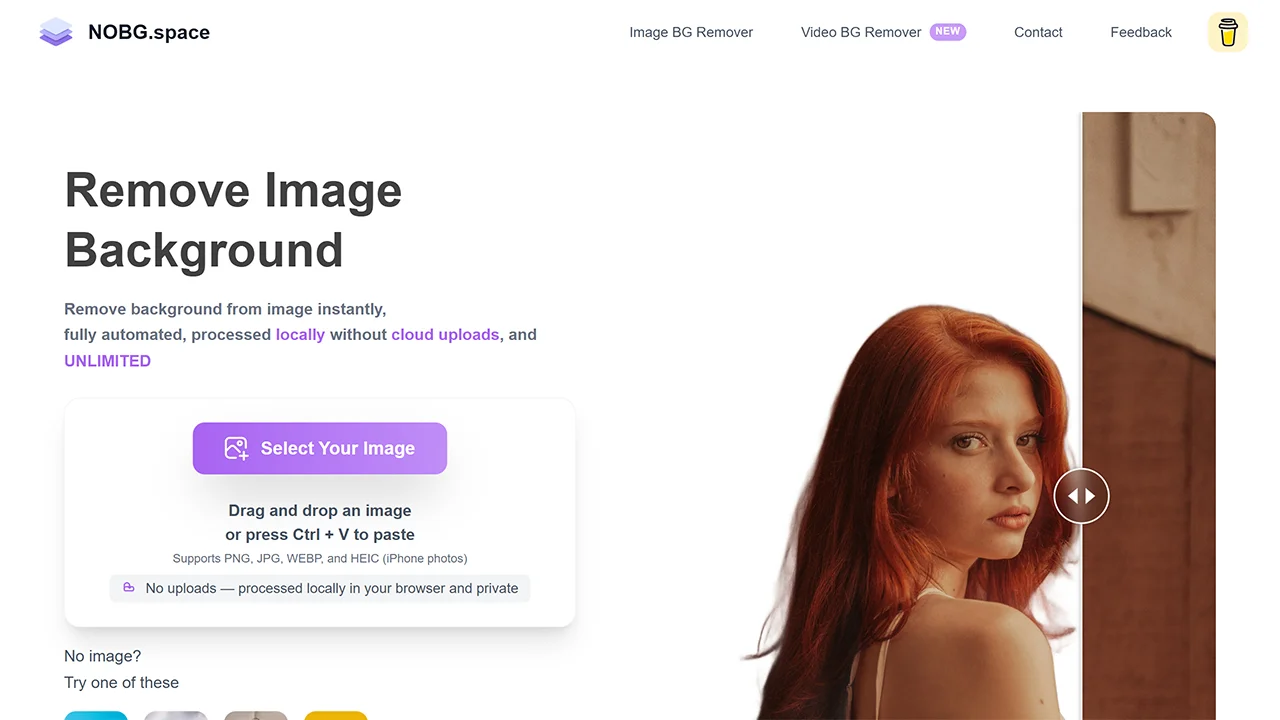
NoBG.space processes images entirely in the browser, eliminating the need for uploads to external servers. This approach ensures that background removal happens locally, delivering transparent PNGs without compromising data security. The tool’s no-signup nature makes it ideal for users concerned about privacy, such as those handling sensitive photos.
Features
- 100% local processing – images aren’t uploaded to servers.
- Handles complex edges like hair or transparent parts.
- Supports multiple formats including PNG, JPG, and HEIC.
- Side-by-side preview with zoom for verifying results.
Considerations
- Processing speed depends on device performance.
- Lacks advanced editing options beyond basic removal.
3. Retoucher
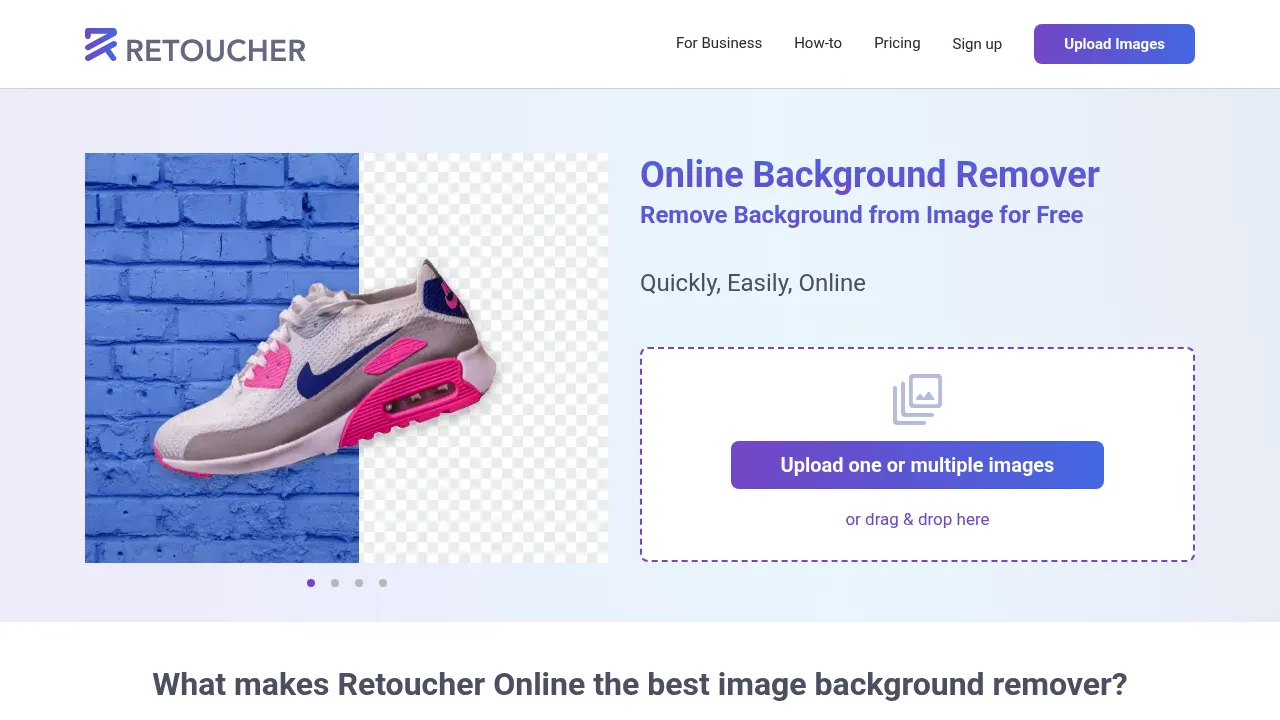
Retoucher Online combines background removal with basic image cleanup tools, making it useful for users who want light post-processing without switching tools. It runs entirely in the browser and does not require login for standard background removal. The AI performs well on common use cases such as portraits and product photos.
Features
- AI auto-removal with options for shadows and custom backgrounds.
- Integrated editor for cropping, resizing, and manual eraser tool.
- Handles batch uploads for efficient processing of several images.
Considerations
- Processing time can extend for detailed edits.
- Output quality may vary with complex images without manual adjustments.
4. ClearBG.click
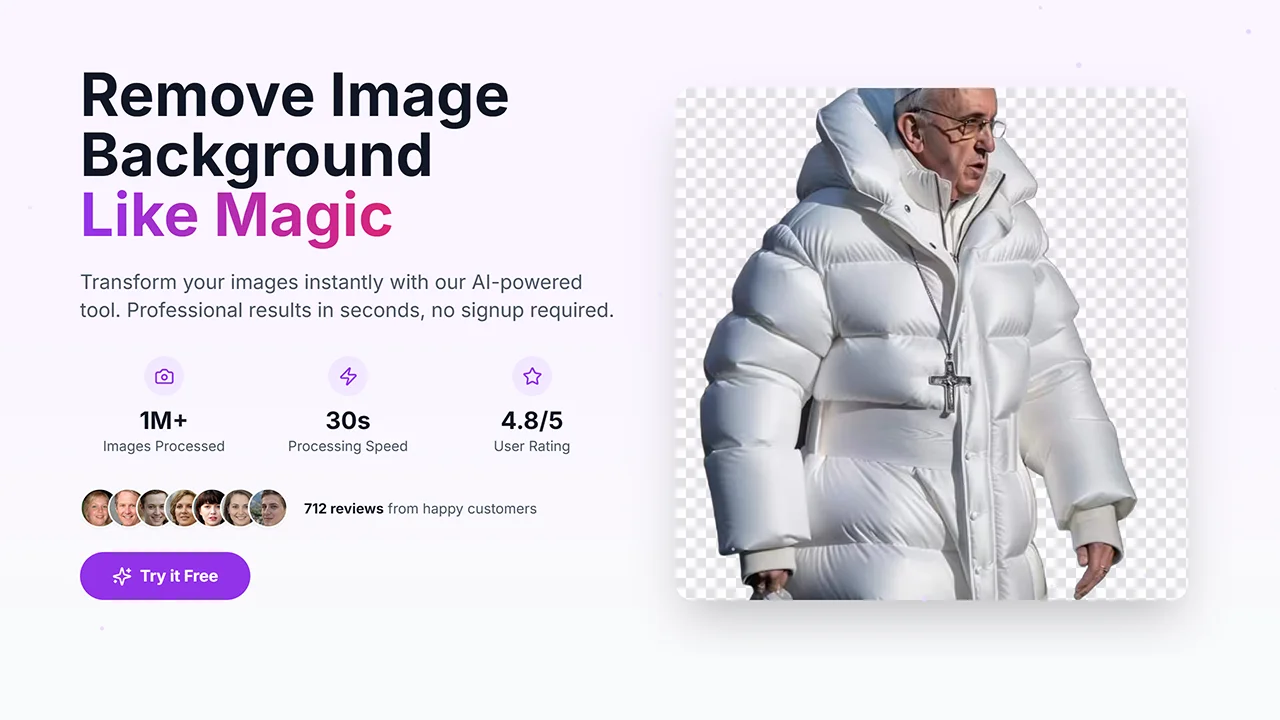
ClearBG.click uses machine learning for precise background removal, supporting high-resolution images up to 10MB. It delivers clean edges suitable for professional use, typically in under a minute. Ideal for quick, high-quality edits without accounts, it is suitable for graphic design and marketing visuals.
Features
- AI precision for handling detailed edges and large files.
- Fast processing, typically under 30 seconds.
- Supports common image formats (PNG, JPG, WEBP).
Considerations
- No built-in tools for further editing beyond removal.
- Potential delays if server load is high.
5. PxBee
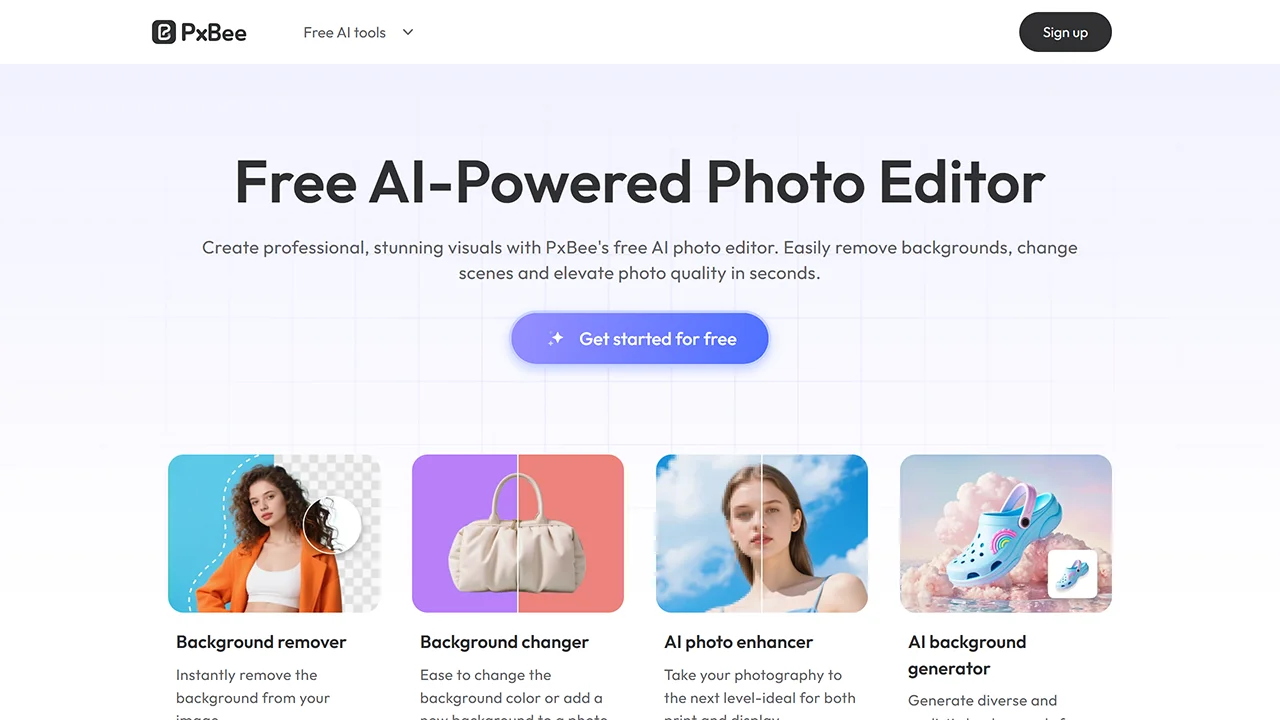
PxBee is a browser-based AI background remover for quick, automatic cutouts without requiring an account. It allows users to remove backgrounds and optionally replace them with solid colors or custom images. It works well for people, products, and everyday objects, making it suitable for basic design or e-commerce visuals.
Features
- AI-powered automatic background removal.
- Option to replace backgrounds instantly.
- Supports common image formats such as JPG and PNG.
- Produces transparent PNG outputs for further use.
Considerations
- No advanced manual refinement tools for edge correction.
- Premium subscription required for full-quality exports.
6. Pixian.AI
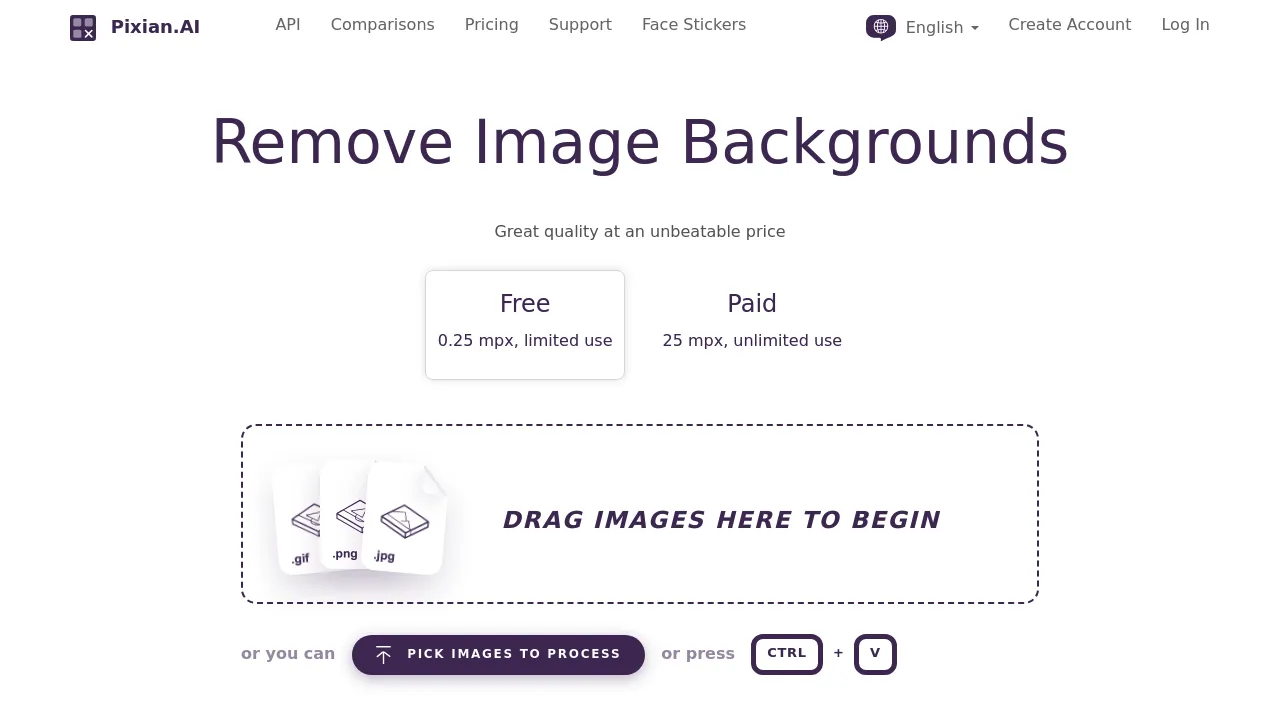
Pixian.ai processes images using GPU-accelerated technology for high-quality background removal. It supports a wide range of input formats and offers transparent PNG outputs. While a small amount of free use is available without creating an account, higher resolution and faster processing involve paid credits.
Features
- Advanced customization for output size and alignment.
- Supports multiple formats like JPEG and PNG.
- Efficient processing for high-quality results.
Considerations
- Free use limited to small image sizes (0.25 megapixels).
- Paid credits required for larger or more frequent processing.
7. Backdroppr
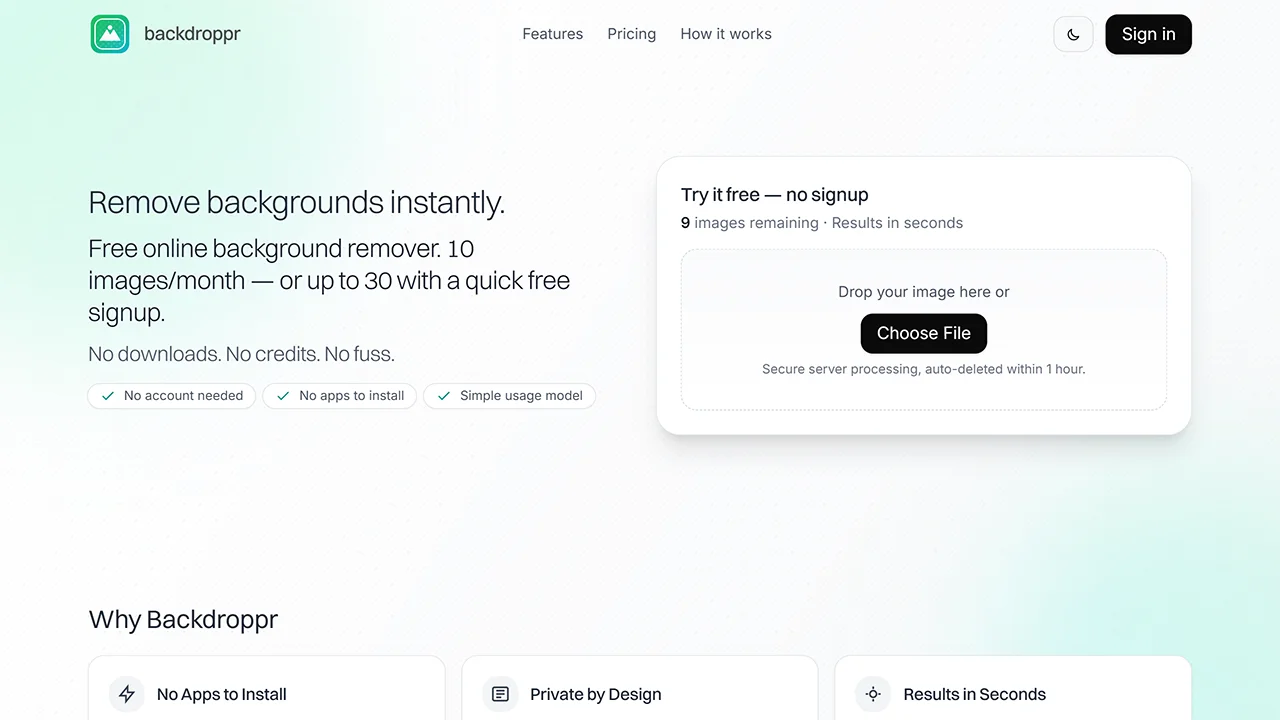
Backdroppr is a lightweight, browser-based background remover focused on speed and simplicity. It allows users to upload an image, remove the background automatically, and download the result without creating an account. The tool is best suited for quick edits where standard resolution output is sufficient, such as social media visuals or simple design assets.
Features
- Automatic background removal with drag-and-drop upload.
- Option to apply solid color backgrounds after removal.
- Auto-deletion of images after one hour for privacy.
Considerations
- Free usage limited to 10 images per month.
- Outputs are standard resolution only.
8. Flextraa
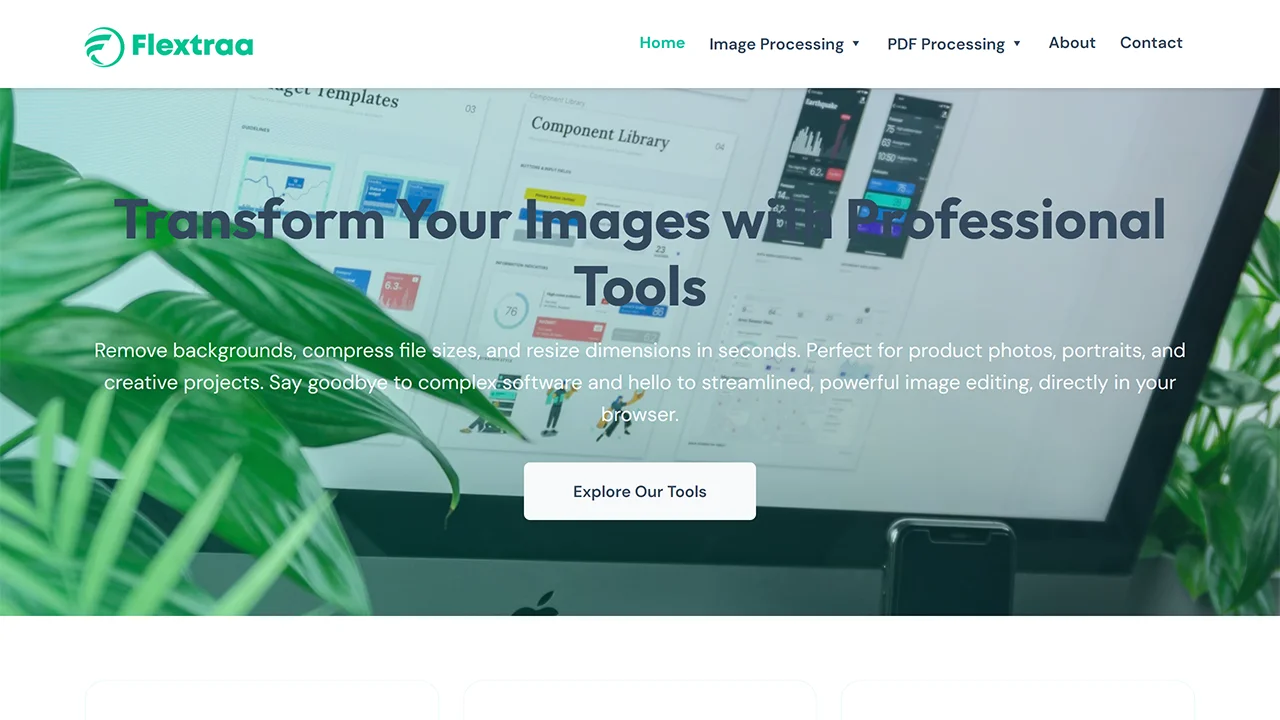
Flextraa is a browser-based image editor that includes background removal as part of a simple, all-in-one editing workflow. It’s designed for users who want quick transparency results without navigating complex tools or creating an account. The interface prioritizes ease of use, making it suitable for light design tasks and casual image edits.
Features
- One-click background removal in a basic editor.
- Supports transparent background exports for common use cases.
- Simple tools for resizing and minor adjustments.
Considerations
- Lacks manual refinement tools for detailed edge correction.
- Less effective on complex subjects or fine details.
How to Choose the Right Online Background Remover
Selecting a background remover depends on your needs, such as image complexity, volume, or privacy requirements. Factors like processing speed and local execution can help avoid data sharing. The table below outlines key criteria to guide your choice.
| Criterion | Why It Matters | Recommended Tools |
|---|---|---|
| Accuracy | Ensures clean edges without artifacts | Removal.AI, PxBee |
| Privacy & security | Prevents data uploads for security | NoBG.space, Backdroppr |
| Usage Limits | Allows unlimited or high-volume editing | Retoucher, ClearBG.click |
| Editing Options | Provides tools for refinements | Retoucher, Pixian.ai |
Final Thoughts
Editing images can be fast and hassle-free with tools that don’t require accounts or software installations. These browser-based removers make it easy to handle everything from quick social media graphics to product photos, all while keeping your work private and secure. For more options, explore the no-signup tools directory.