
Screenity
MediaDescription
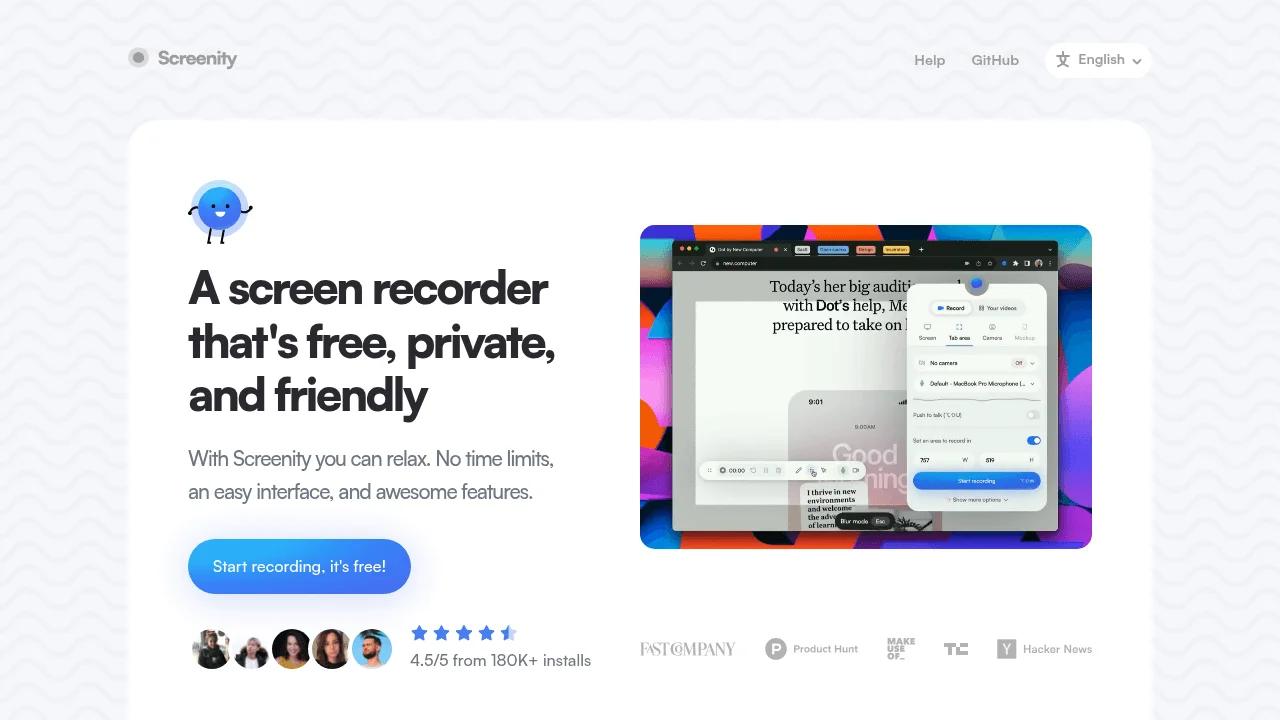
Screenity is a privacy-focused, open-source screen recording extension for Chrome and Chromium-based browsers. It allows users to record their screen, specific tabs, desktop, or webcam without any time limits or watermarks. The tool offers real-time annotations, including drawing, text, arrows, and shapes, to enhance recordings. Post-recording, users can edit videos by trimming, cropping, adding or removing audio, and applying effects like blur or AI-powered camera backgrounds. Recordings can be exported in MP4, GIF, or WEBM formats, or saved directly to Google Drive. Screenity emphasizes user privacy by not collecting or sharing any data, and its open-source nature allows for transparency and customization.
Screenshots
Related Tools

Clideo
Online video editor with trimming, merging, resizing and format conversion tools for quick edits.

Bear Audio Tool
Web-based audio editor with recording, trimming, and effects for quick voiceovers and sound adjustments.

AudioTrimmer
Quickly cut and trim audio files online with simple controls for start/end points and fade effects.

MP3Cut
Browser-based audio editor for cutting, trimming, and merging MP3 files with sample-accurate precision.